Sauce & Condiment
For sauces, condiments and preserves in a jar or bottle, where the sale turns on how thick it pours, what the label lists and how much is actually in there.
How the sequence works.
Shoppers move through a listing in order, and each frame has a job to do before the next one matters. Here is what every shot in this template is for, and what it costs you to leave it out.
- Required
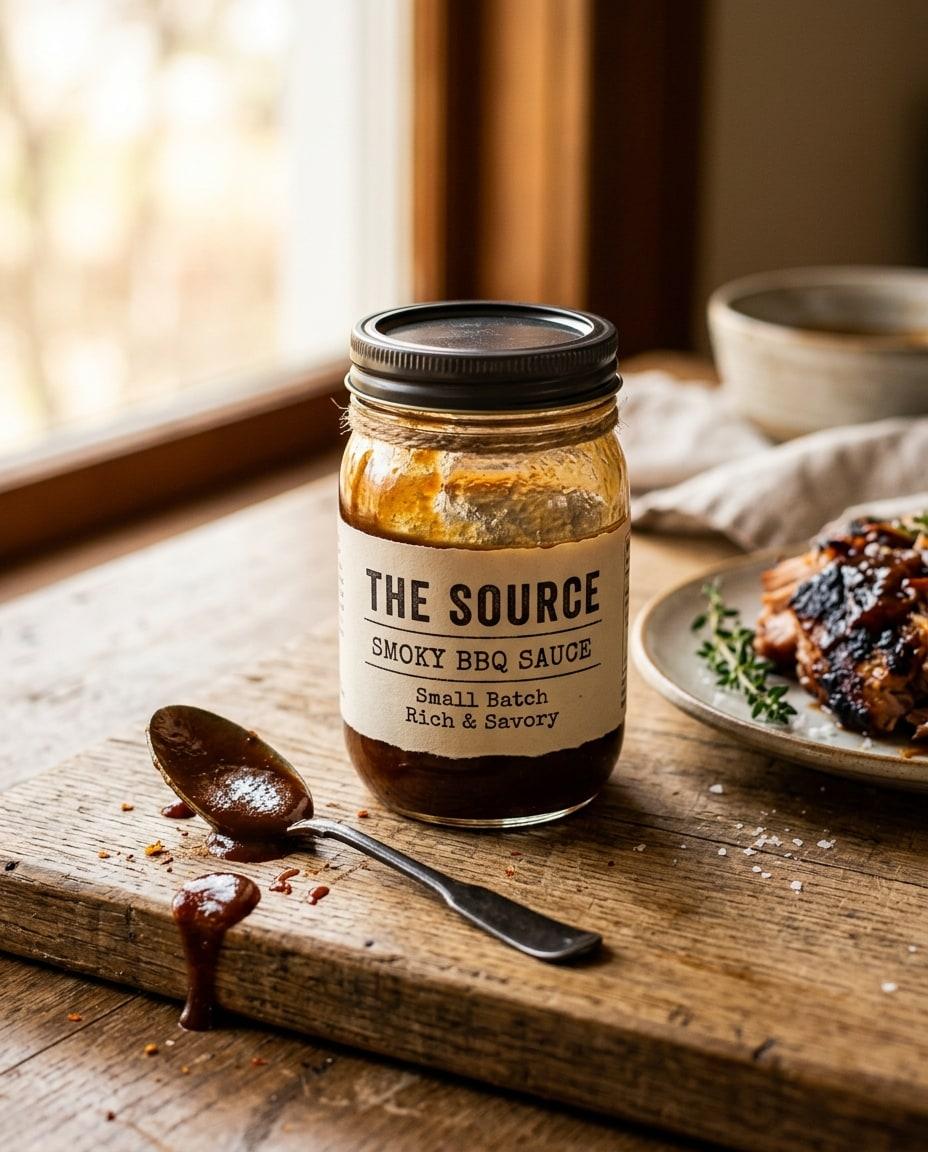
Appetite / Hero Shot
The jar with a drizzle or spoonful beside it and a hint of the finished dish behind, warm light, front label readable.
 Required
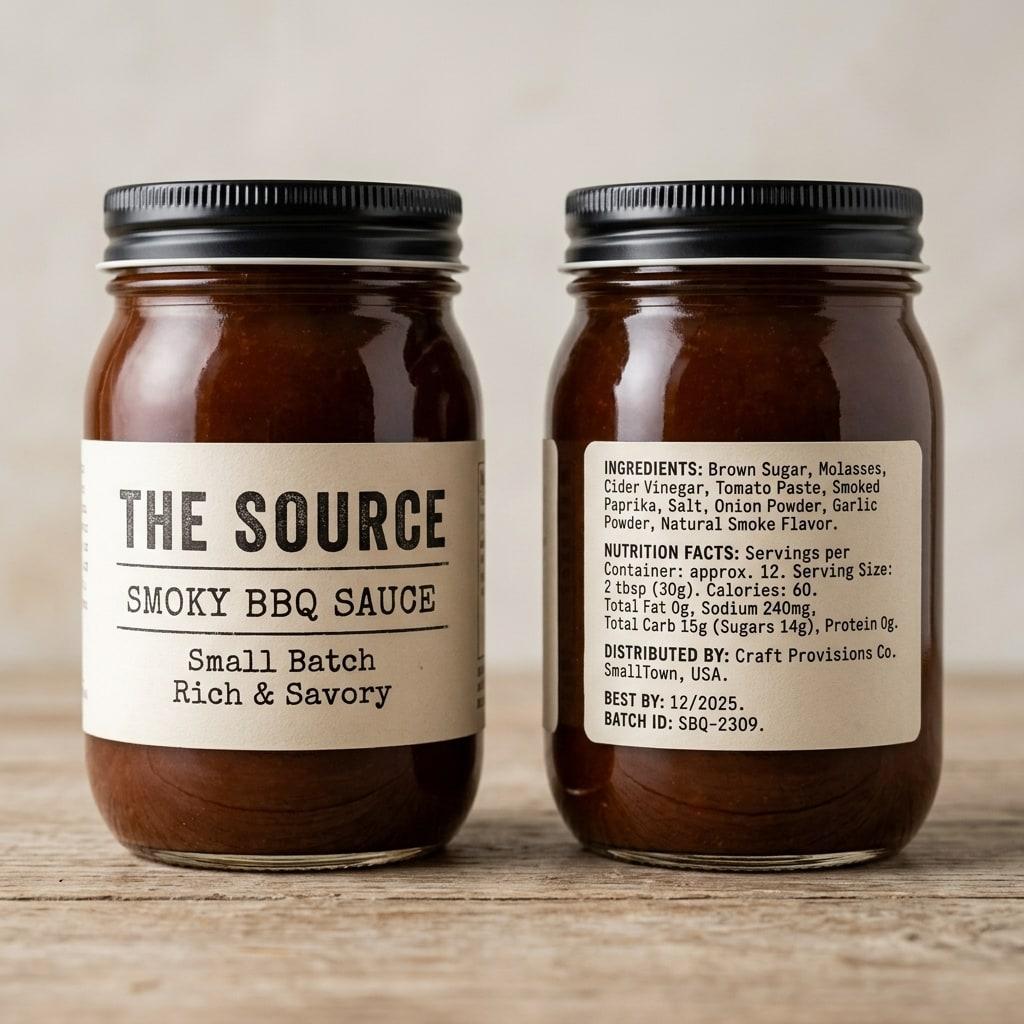
Package / Label Shot
Front and back under even light, with name, net weight and the ingredient list legible exactly as printed - nothing redrawn.
 Required
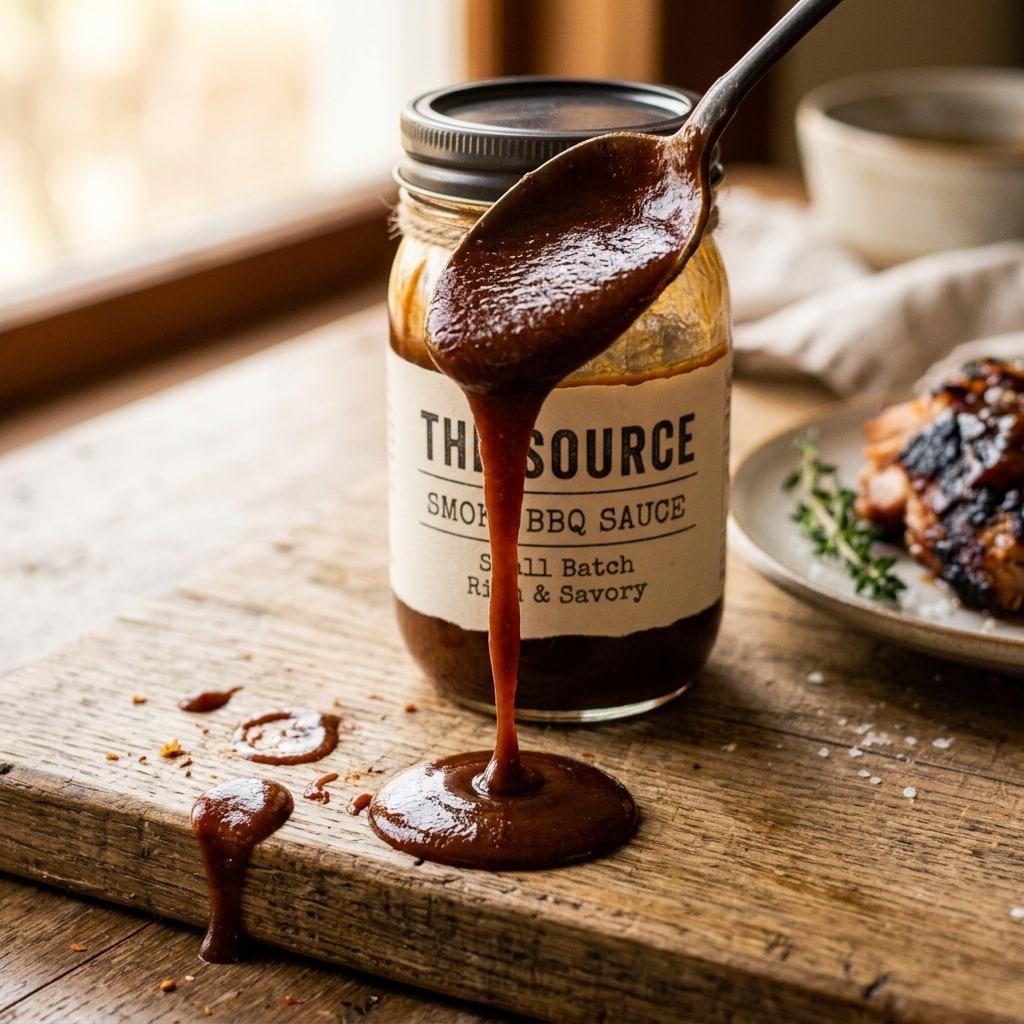
Texture / Pour Shot
Poured or spooned so thickness and true colour read honestly. This is the shot that answers what the sauce is actually like.
 Required
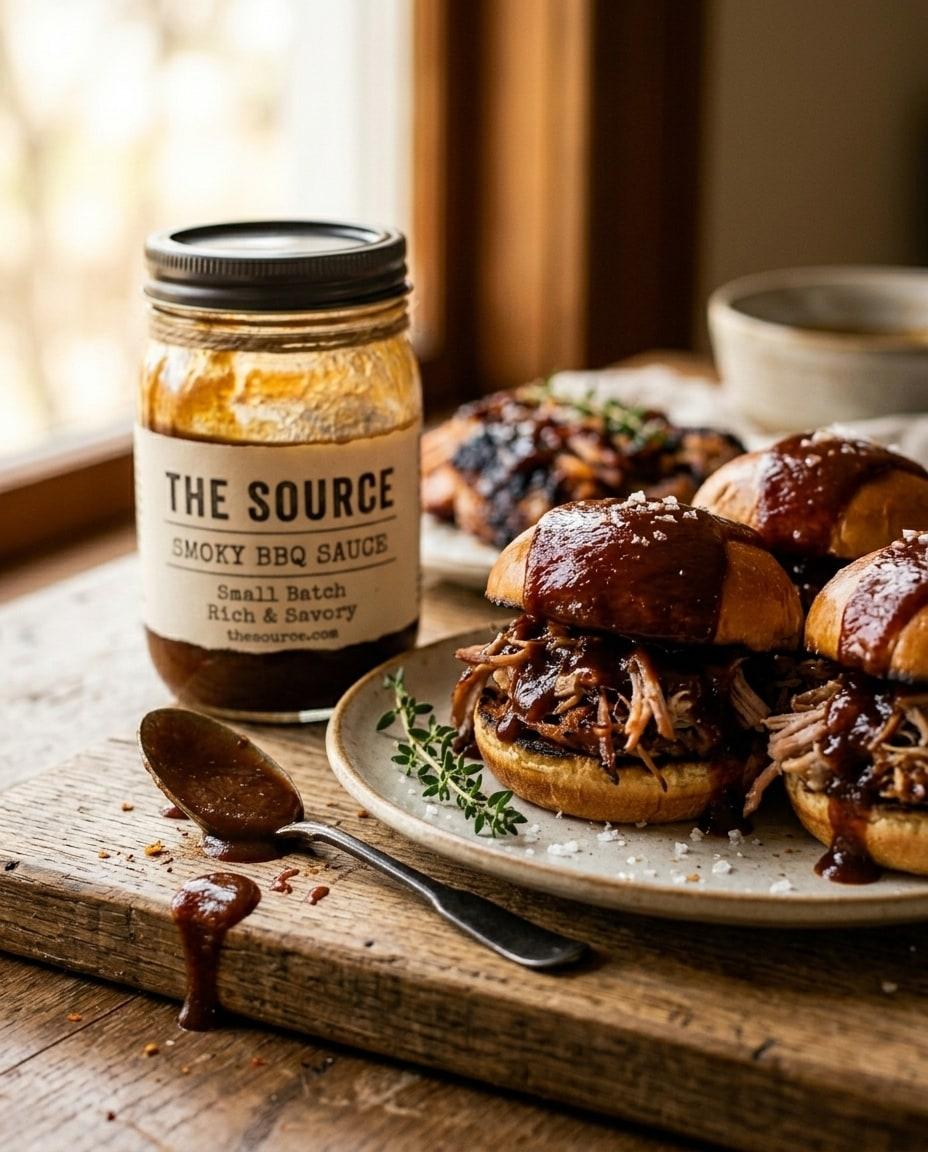
Recipe / Dish Result
A finished dish with the jar in soft focus behind it, giving the shopper a reason to come back for a second one.
 Required
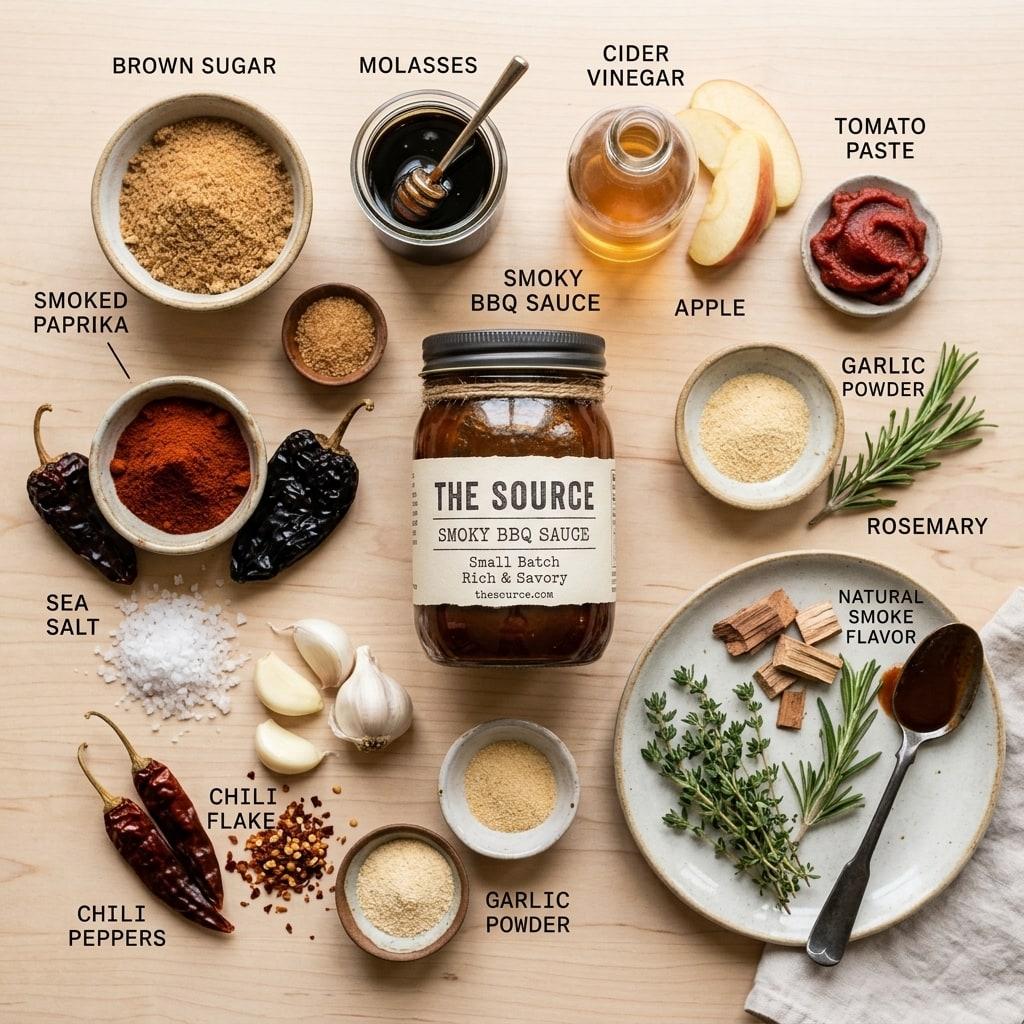
Ingredient / Origin Flat-Lay
The key ingredients the label actually names, laid out evenly around the jar - nothing shown the ingredient list does not list.
 Required
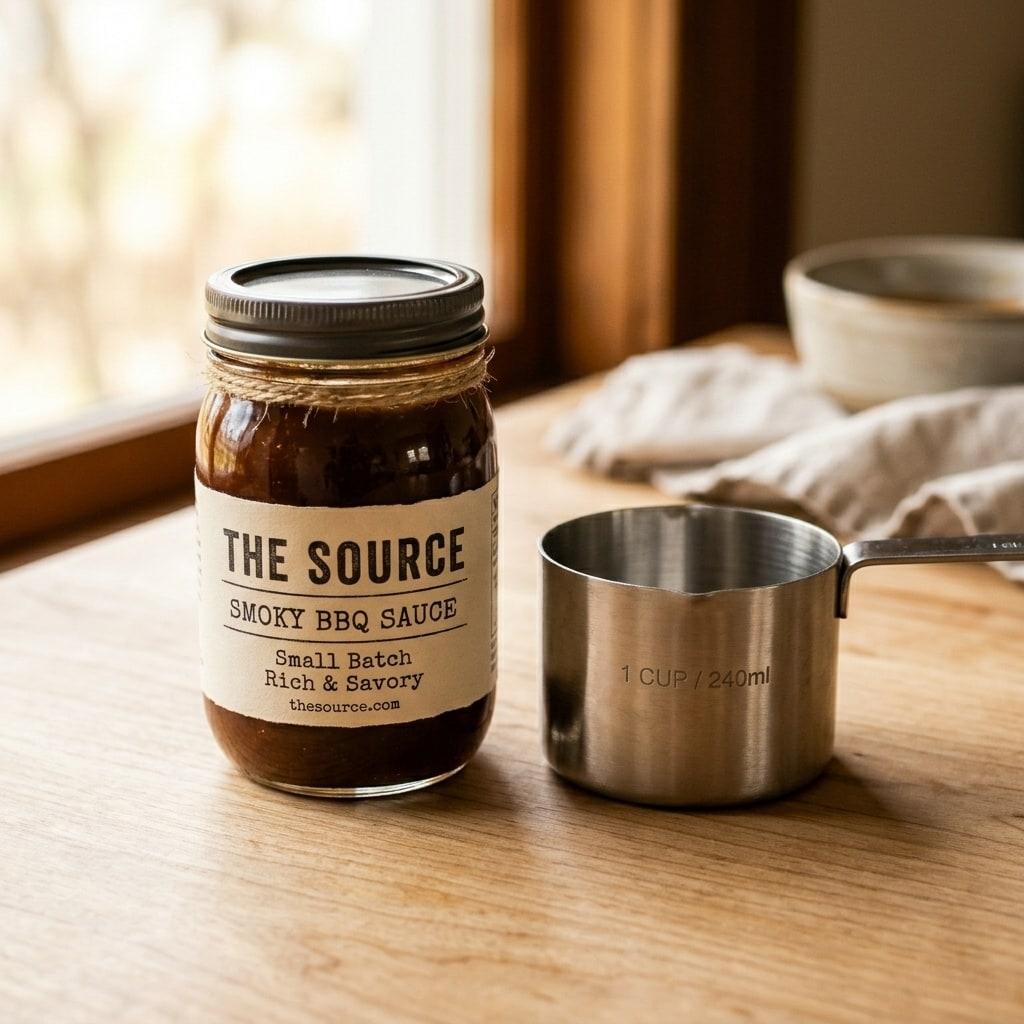
Scale / Size Reference
Beside a common kitchen object, so the real volume reads before the shopper hunts for the net weight.
- Optional
Visual Story
AI-generated video bringing the product to life across multiple angles.
A short clip does what a still cannot: it turns the product through several angles in one continuous take, so the shopper sees how it catches the light and how the parts relate. AdaptiveIQ generates this from your hero shot, so it costs nothing but a click.