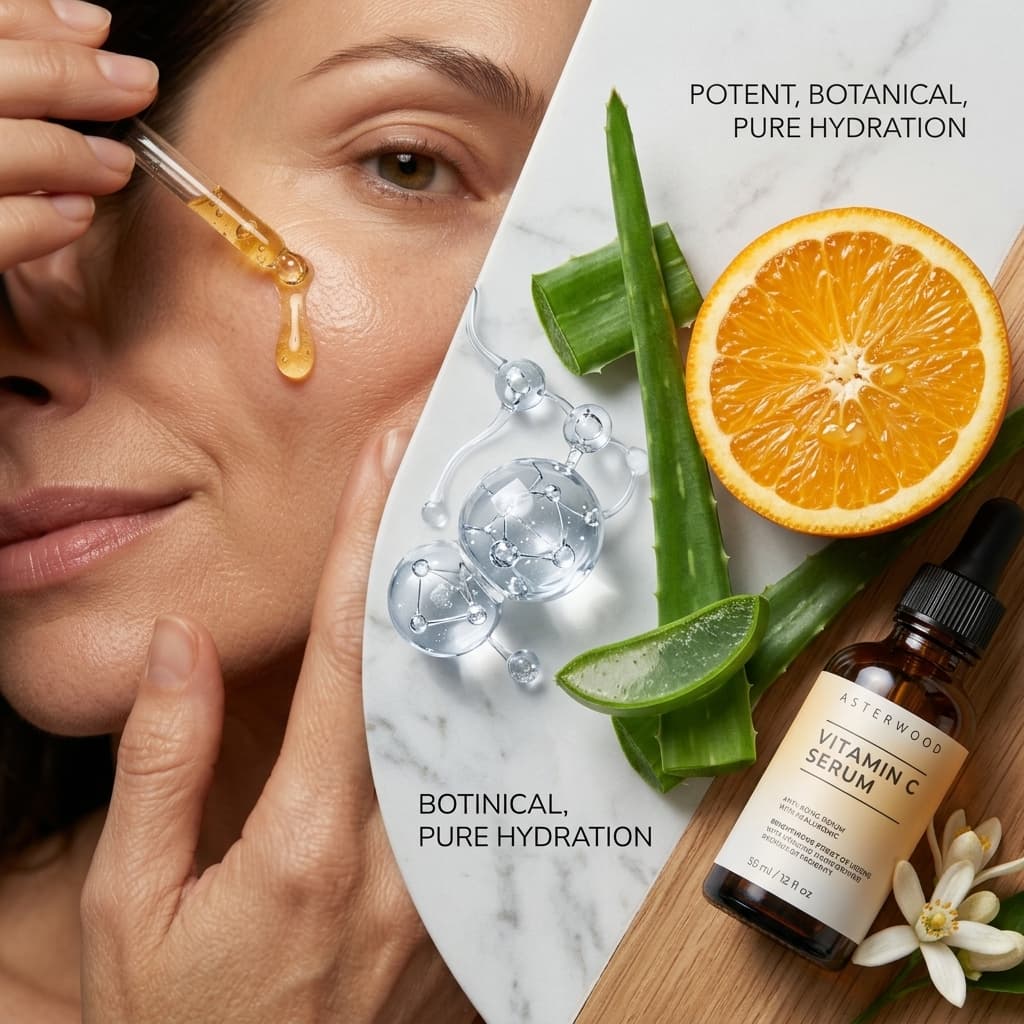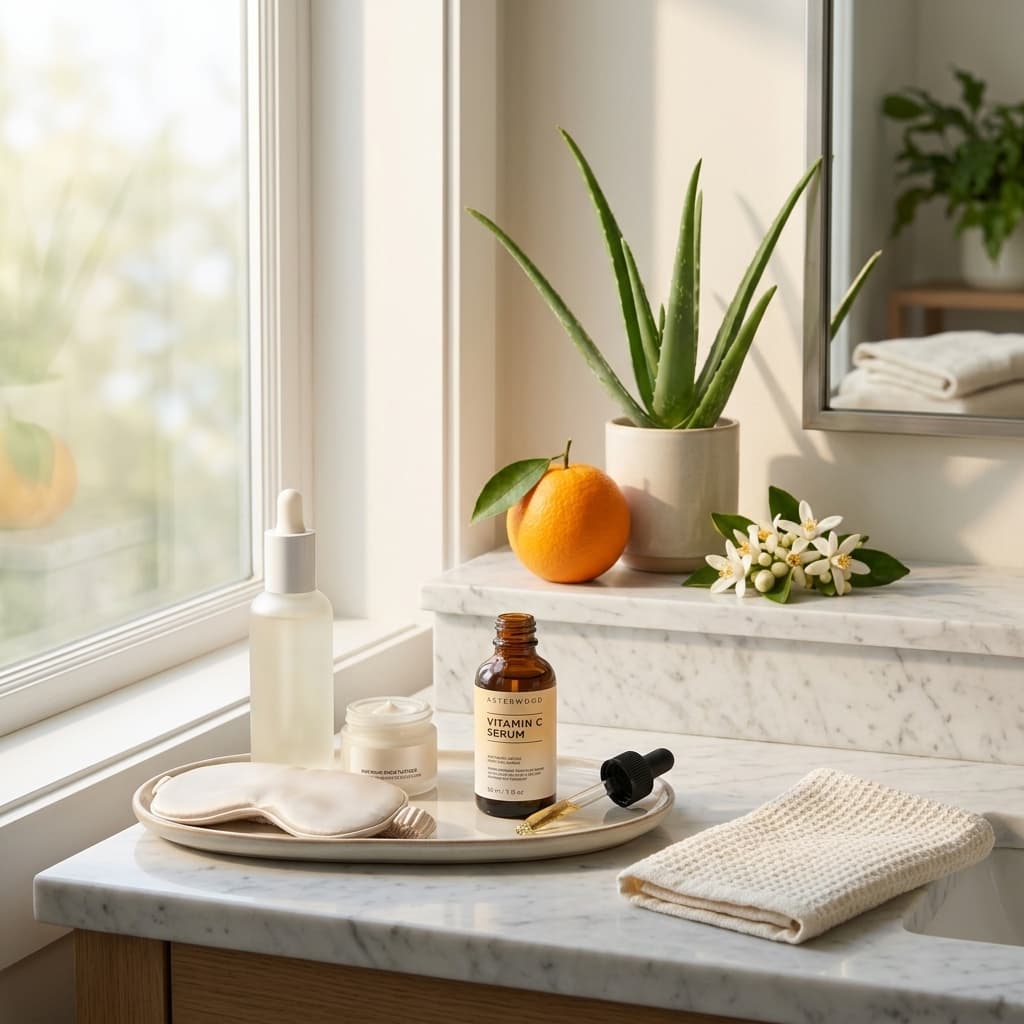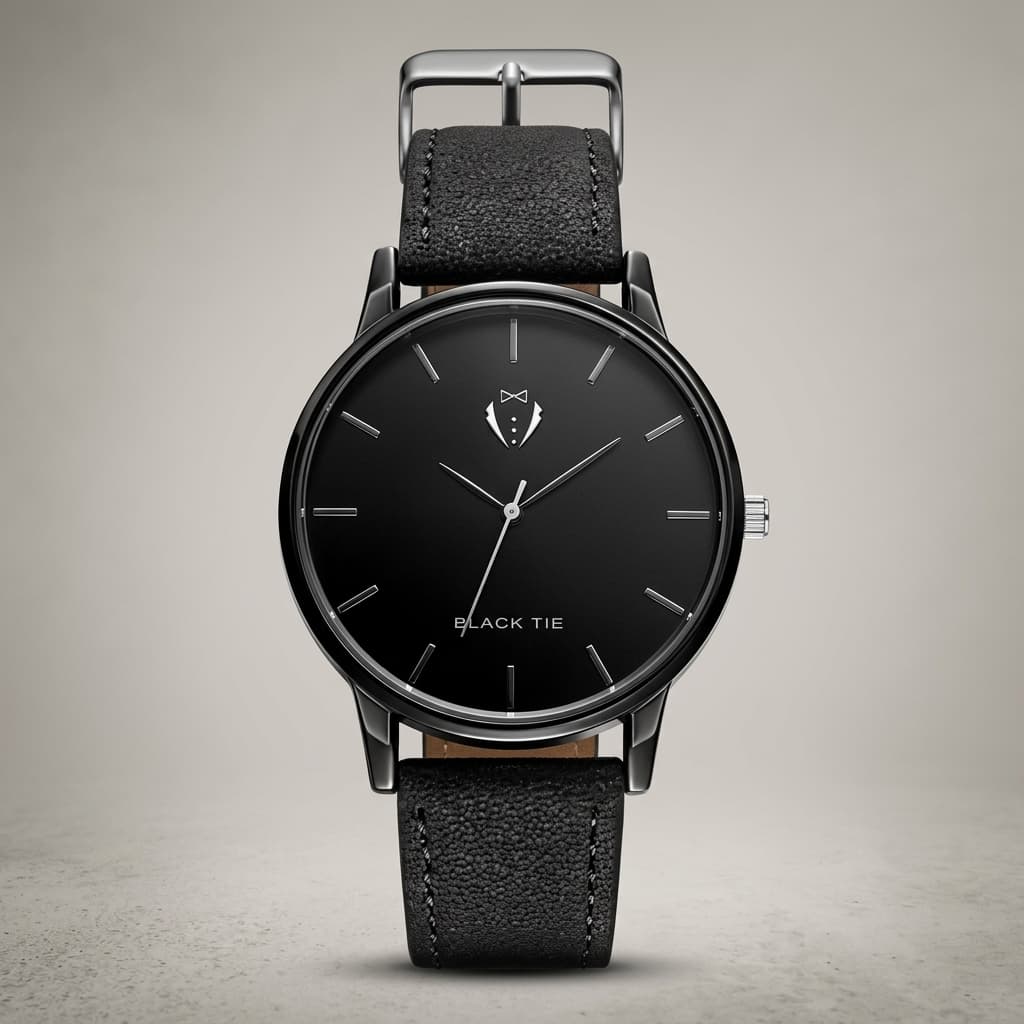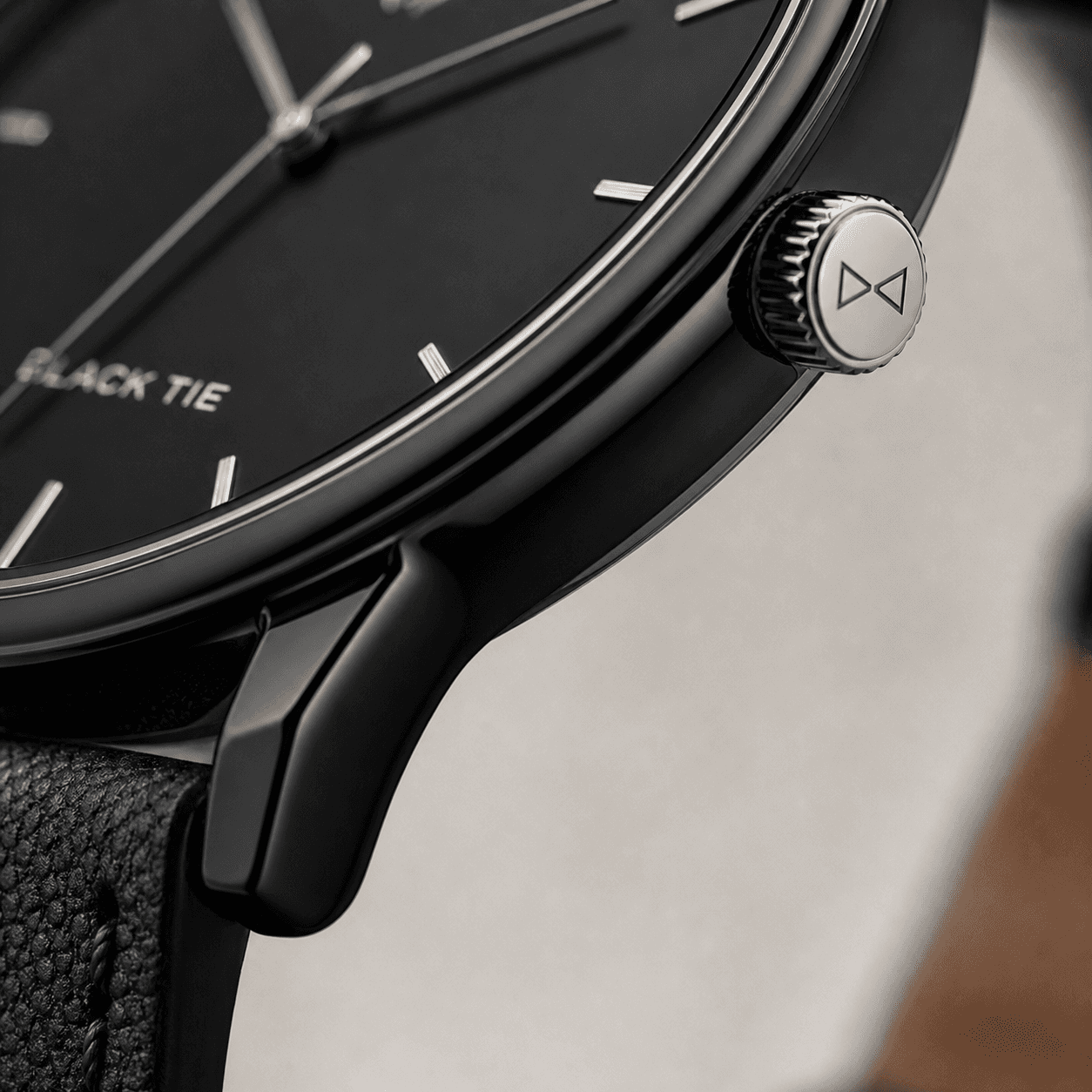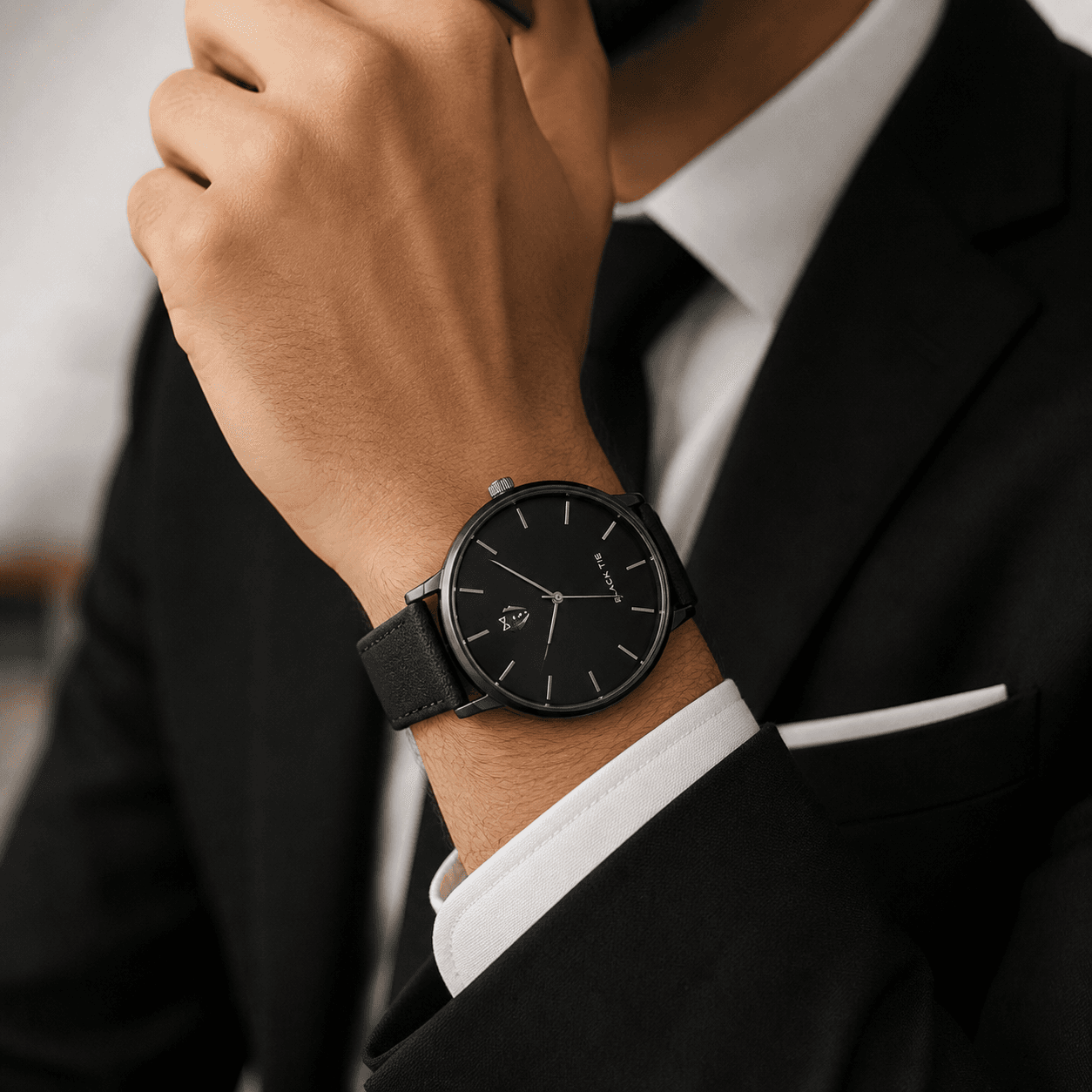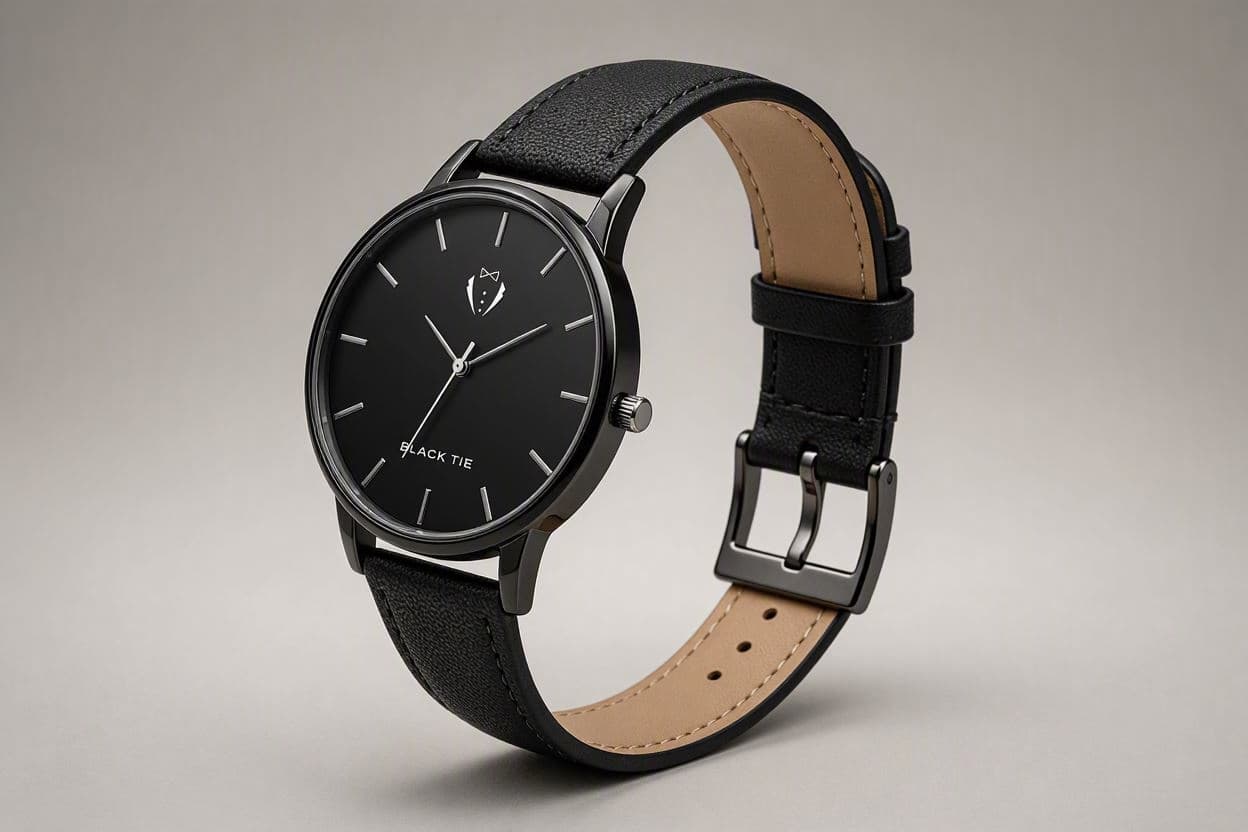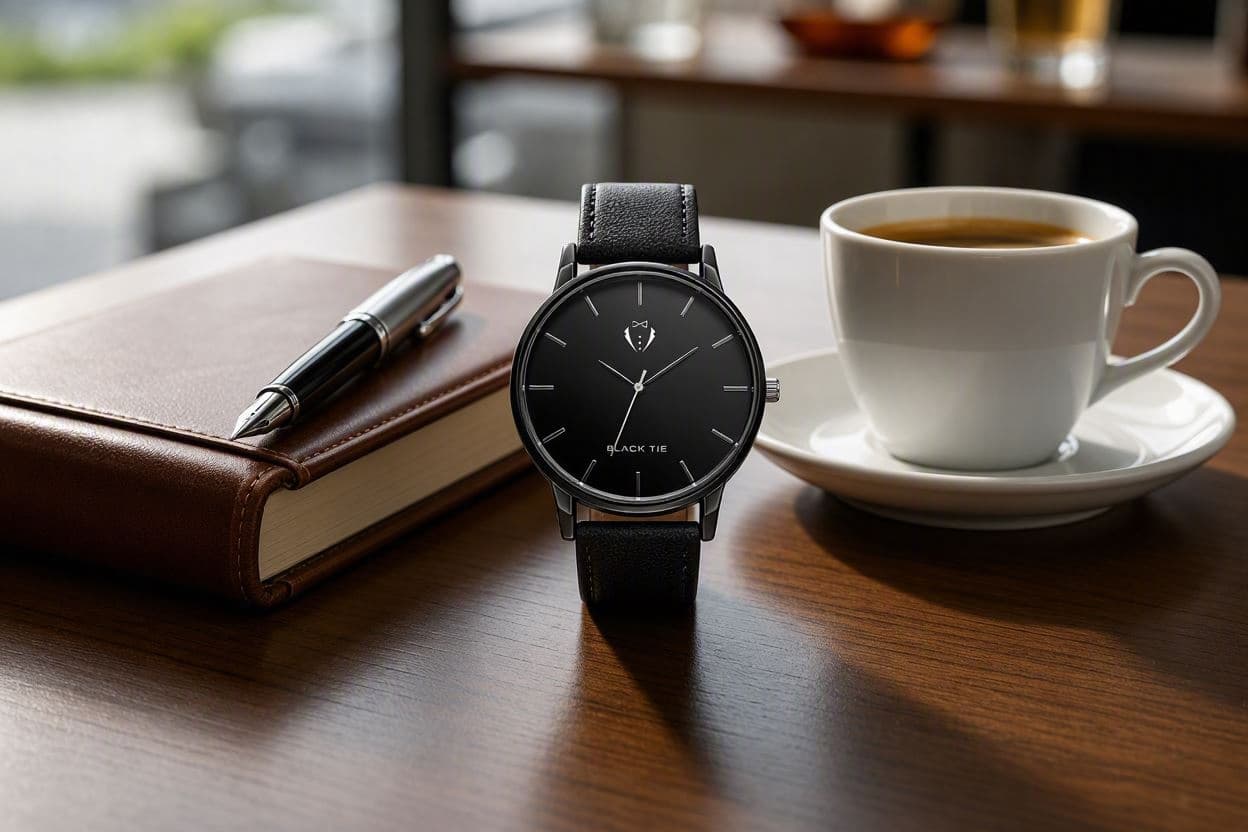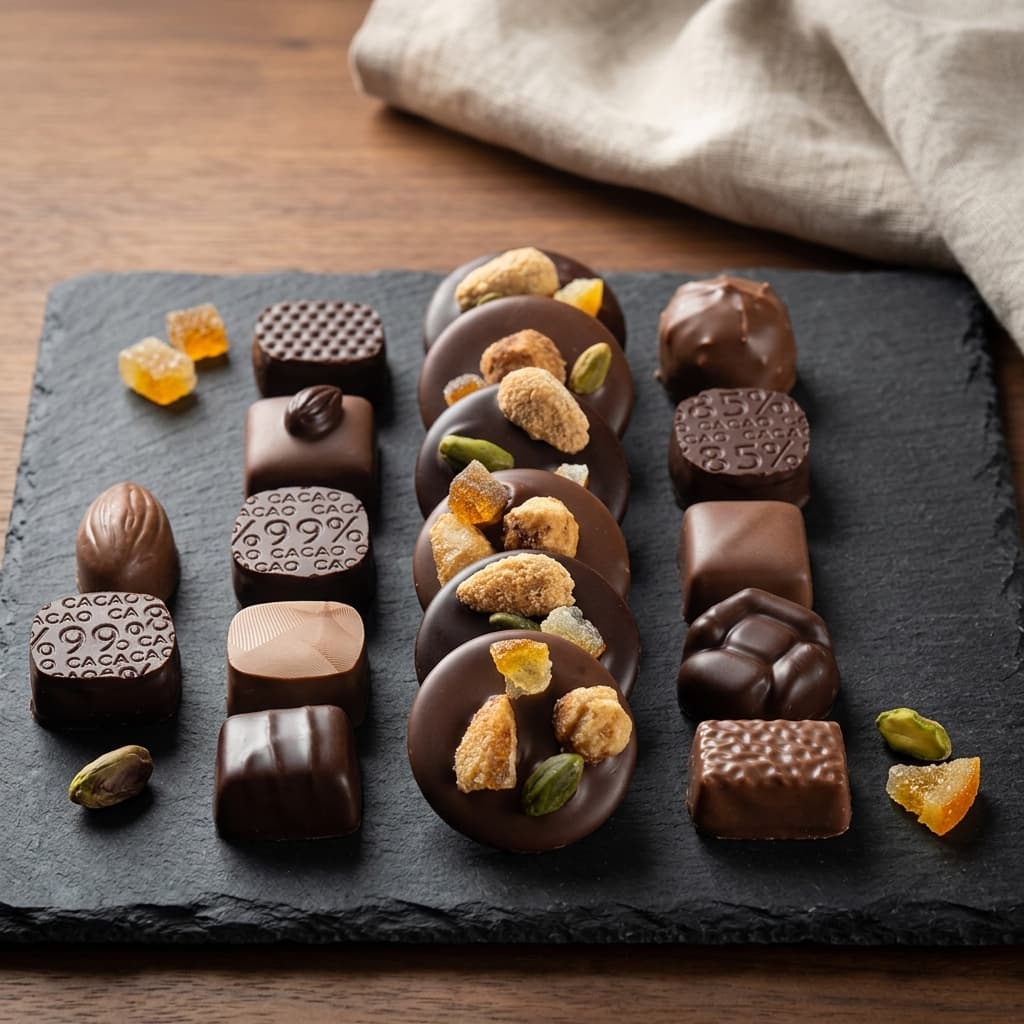
Food & Beverage
Designed for consumables with emphasis on freshness, ingredients, and serving suggestions.
How the sequence works.
Shoppers move through a listing in order, and each frame has a job to do before the next one matters. Here is what every shot in this template is for, and what it costs you to leave it out.
- Required
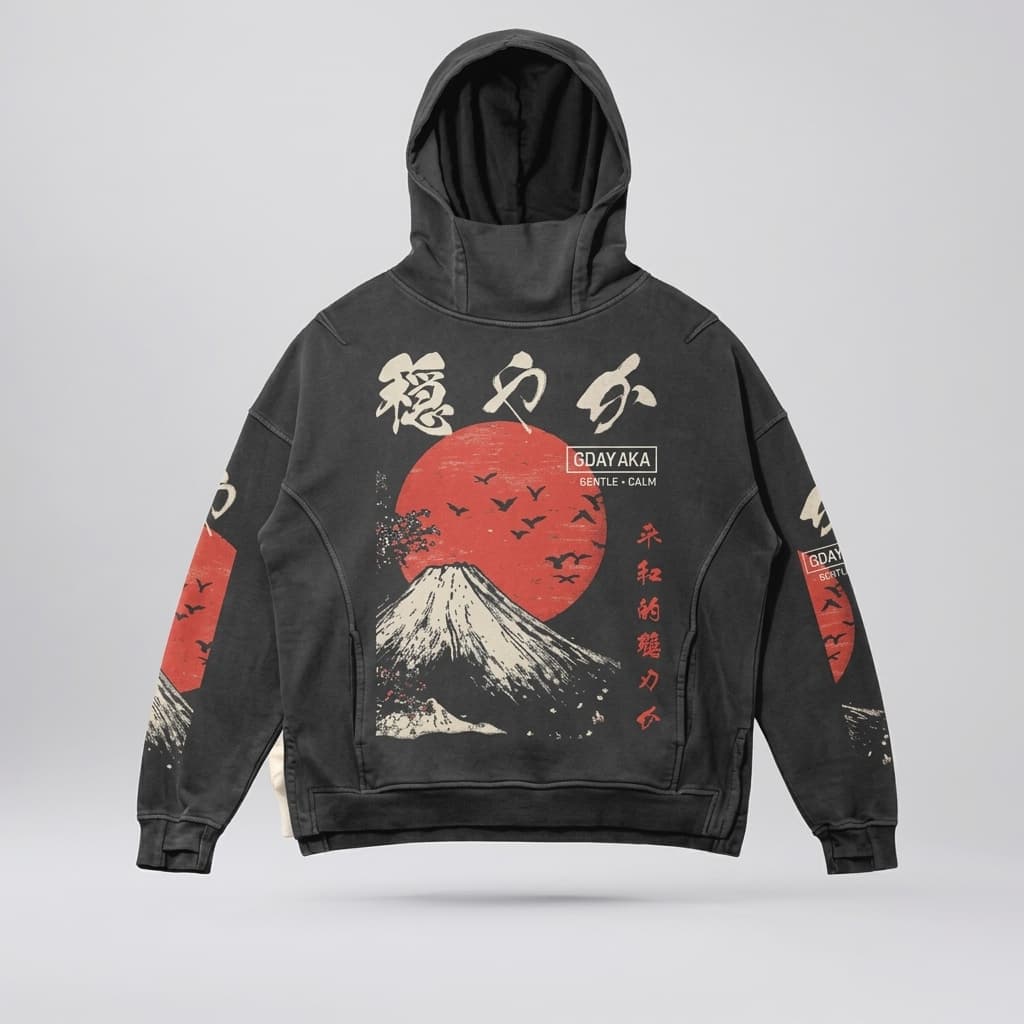
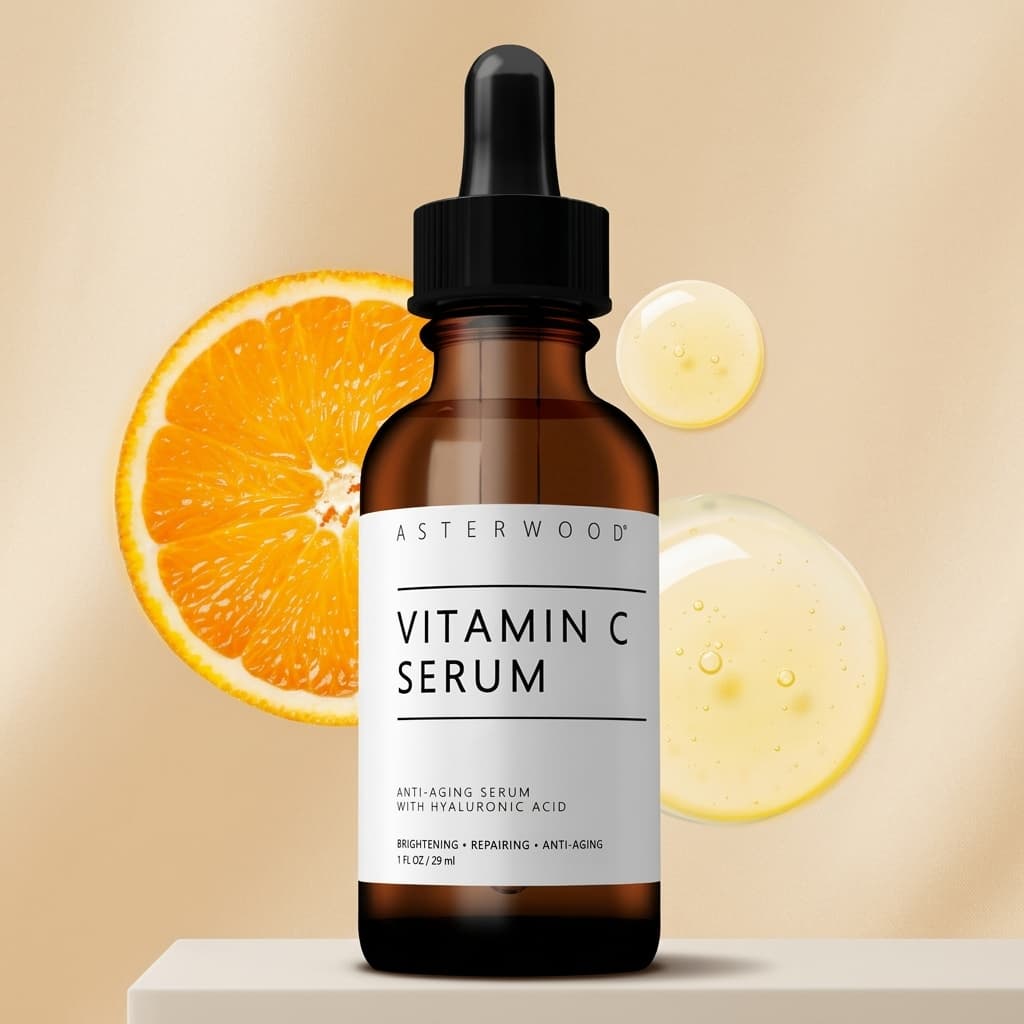
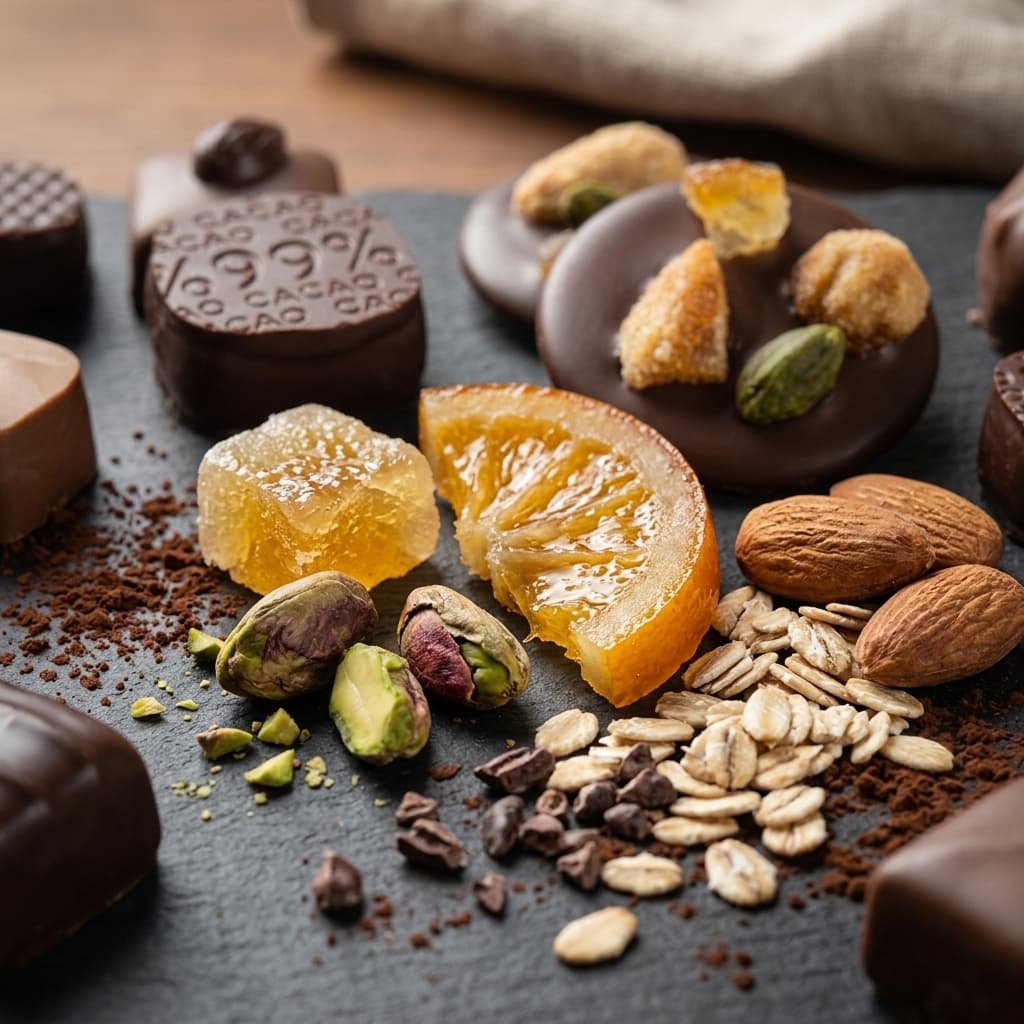
Hero Product Shot
Clean, centered product on white/light background for maximum appetite appeal.
Appetite appeal is decided in the first frame. Light it so texture and moisture read clearly, and keep the ground neutral so nothing competes with the food.
 Required
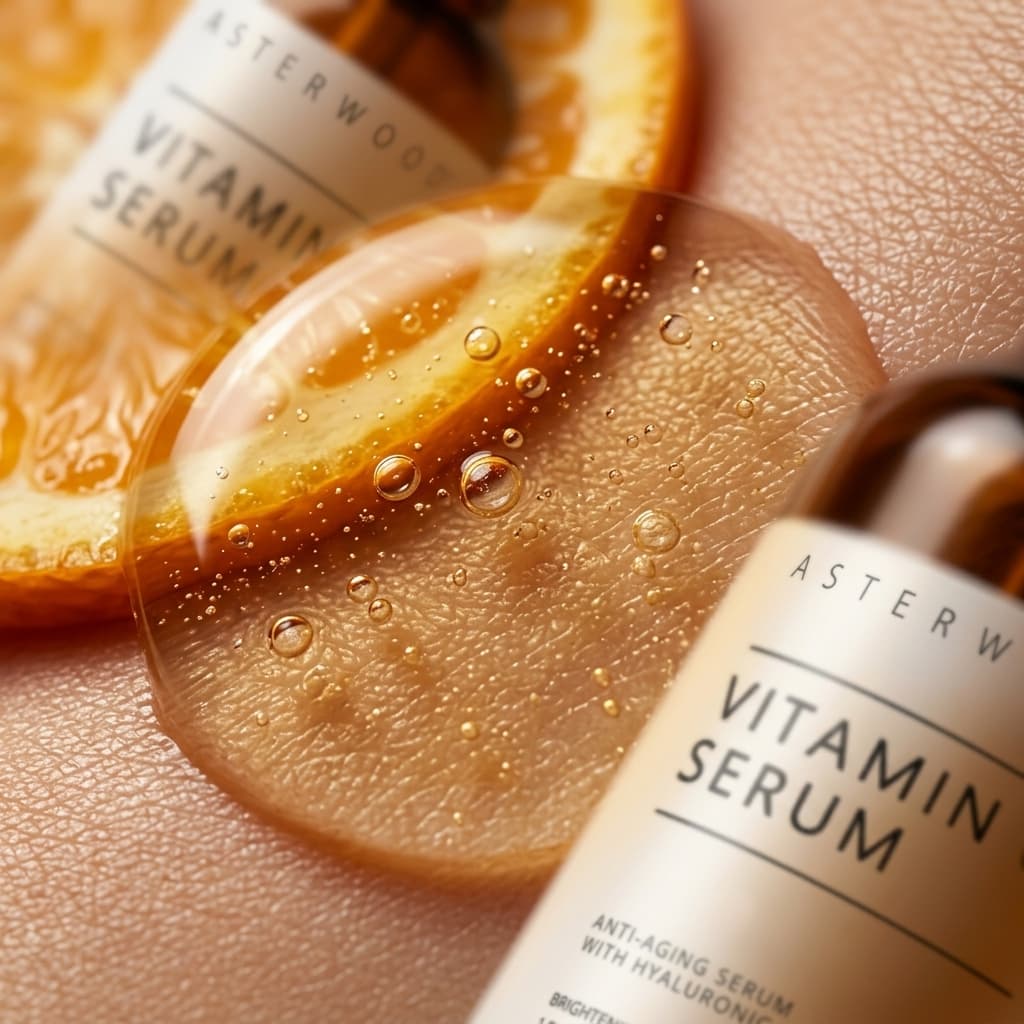
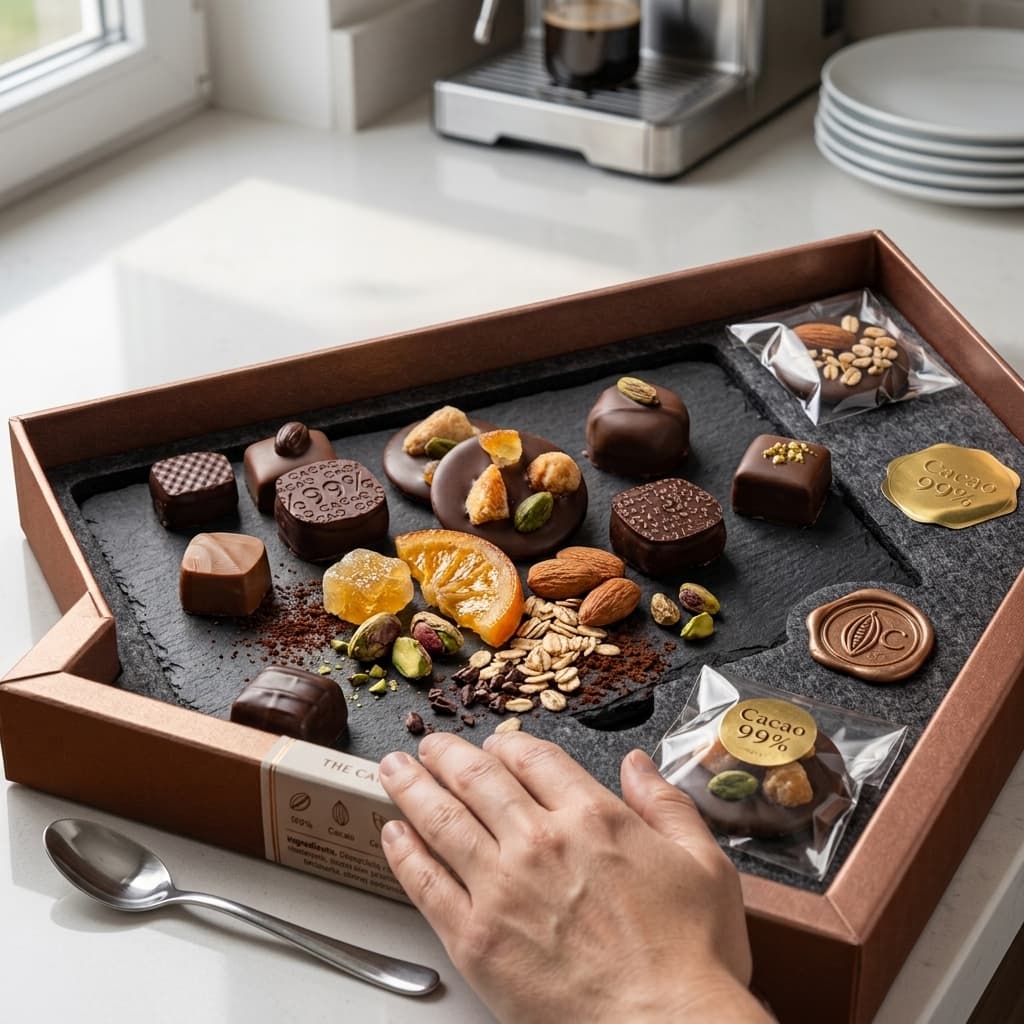
Ingredients Close-Up
Highlight key ingredients or product contents with macro photography.
Buyers of consumables want to see what is actually in the package. A macro on the raw components substantiates the claims on your label in a way copy alone cannot.
 Required
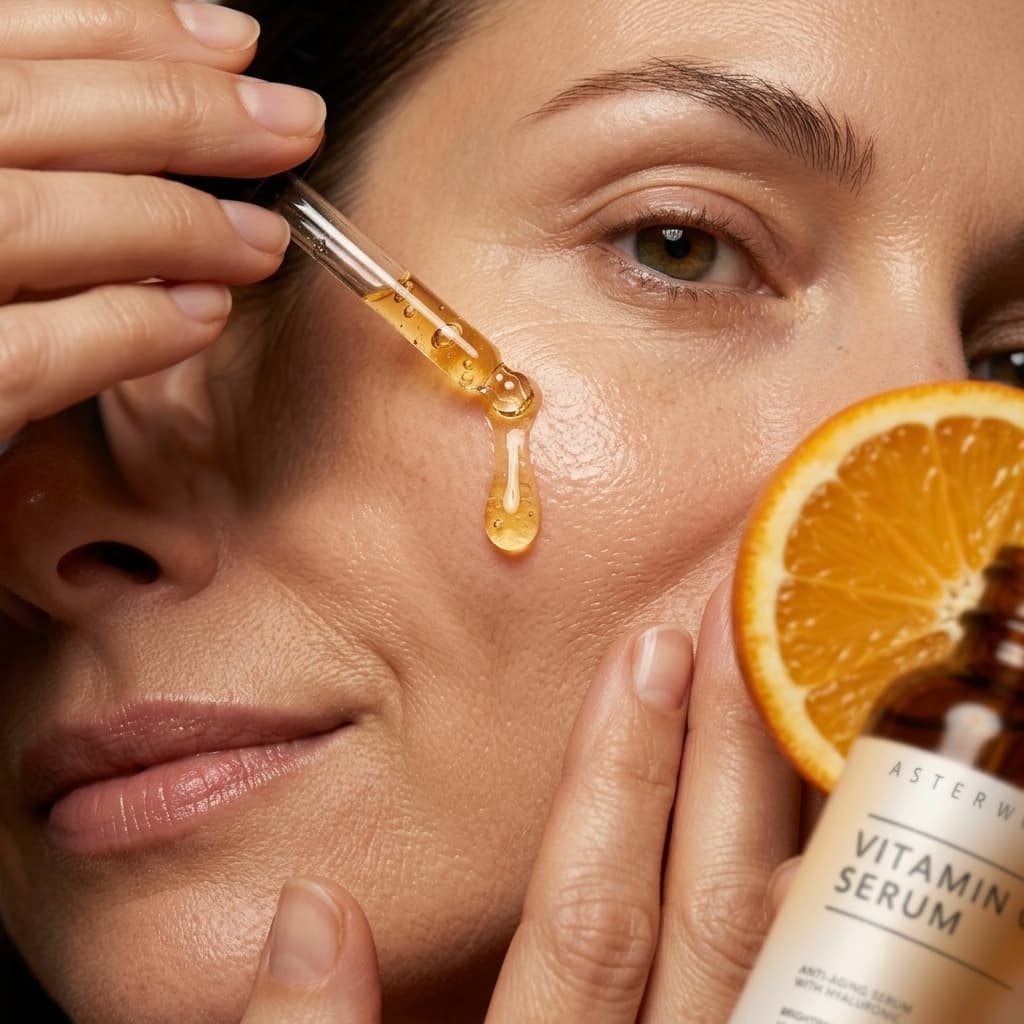
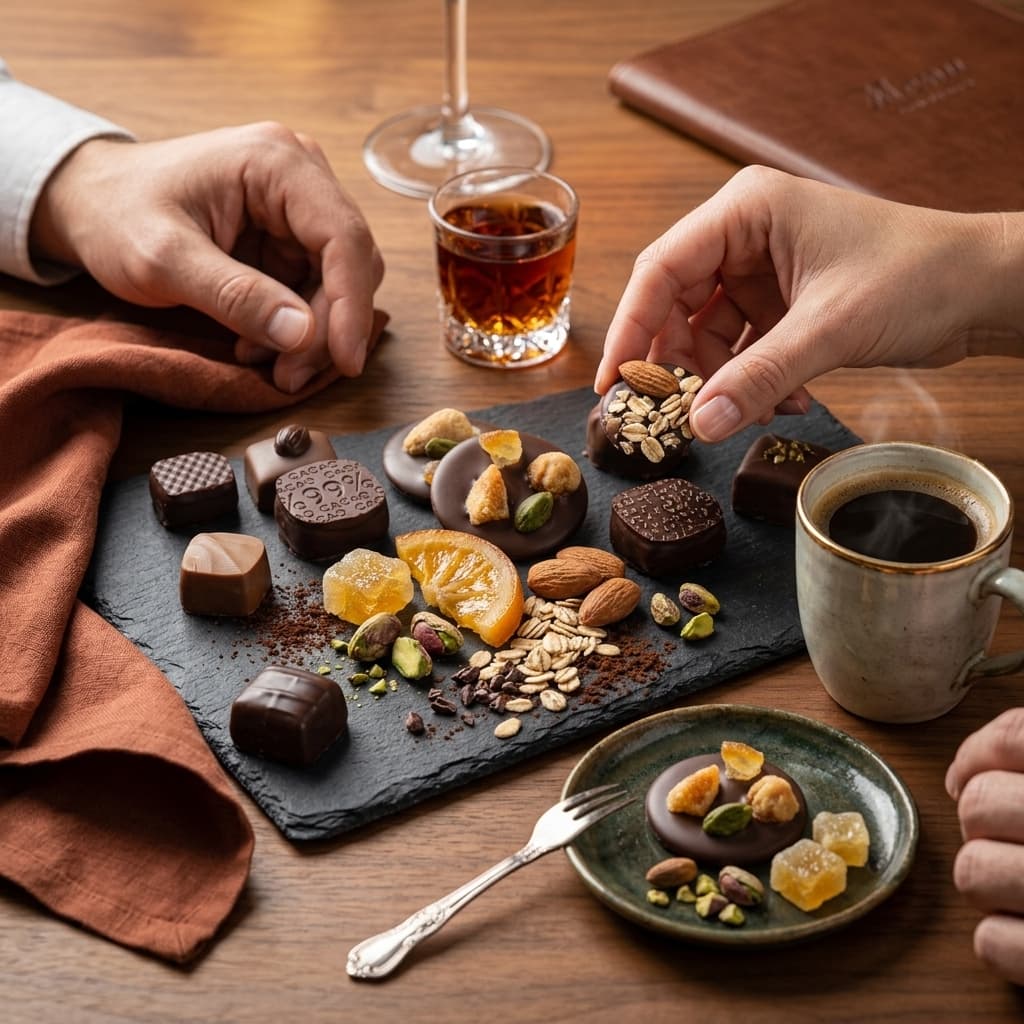
Serving Suggestion
Show the product plated or in use to inspire purchase intent.
Plated, poured or mid-pour, this frame shows the moment the product is actually enjoyed. It sells the outcome rather than the packet.
 Optional
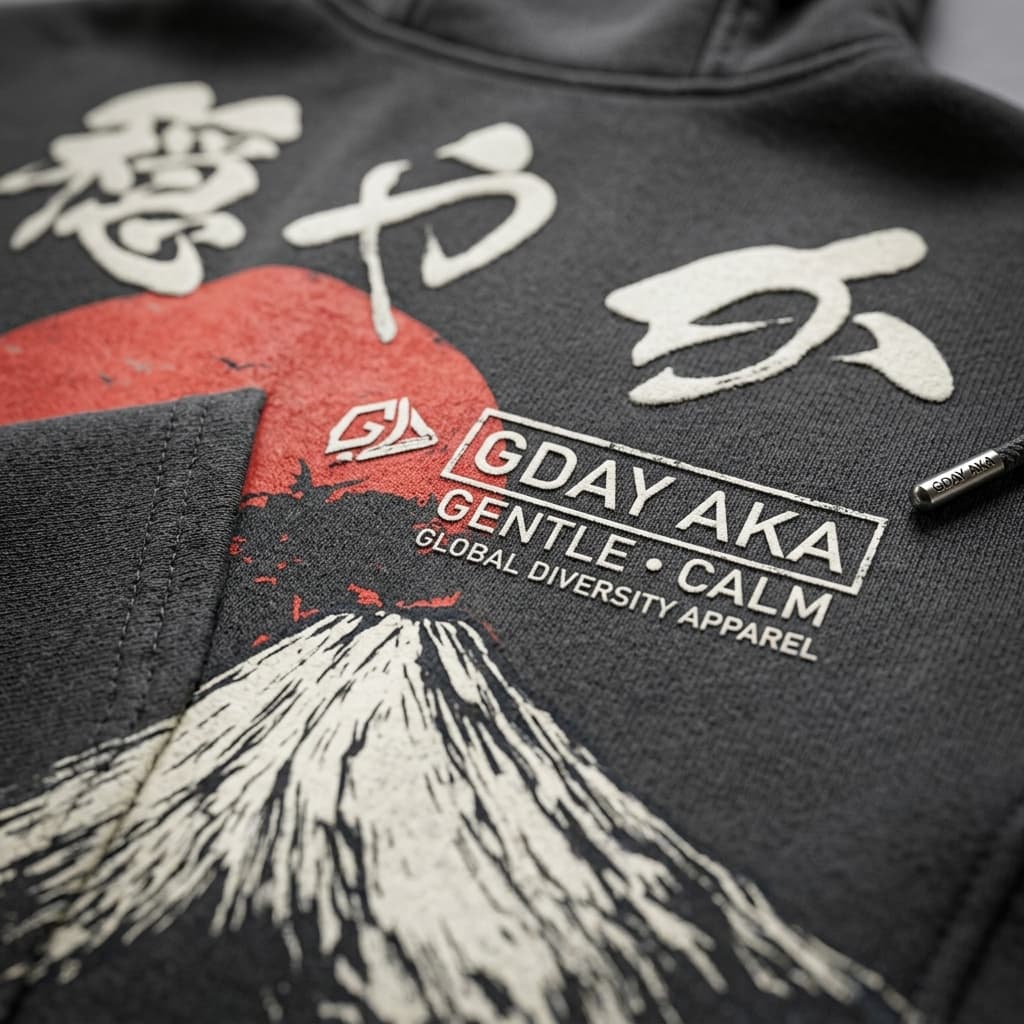
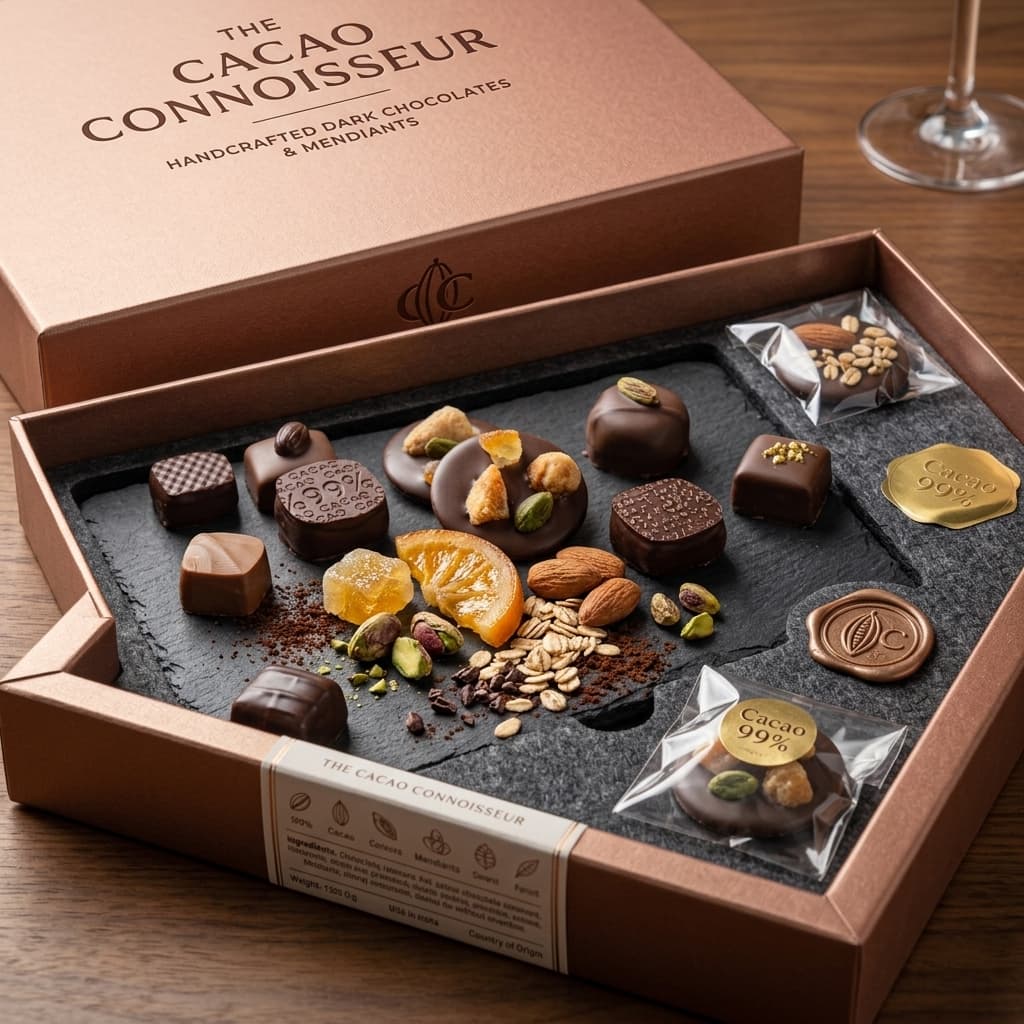
Packaging Detail
Showcase labels, nutritional info, and branding close-up.
Labels carry the information that closes the sale — origin, nutrition, certifications, allergens. A legible close-up saves the shopper from zooming in and finding nothing.
 Optional
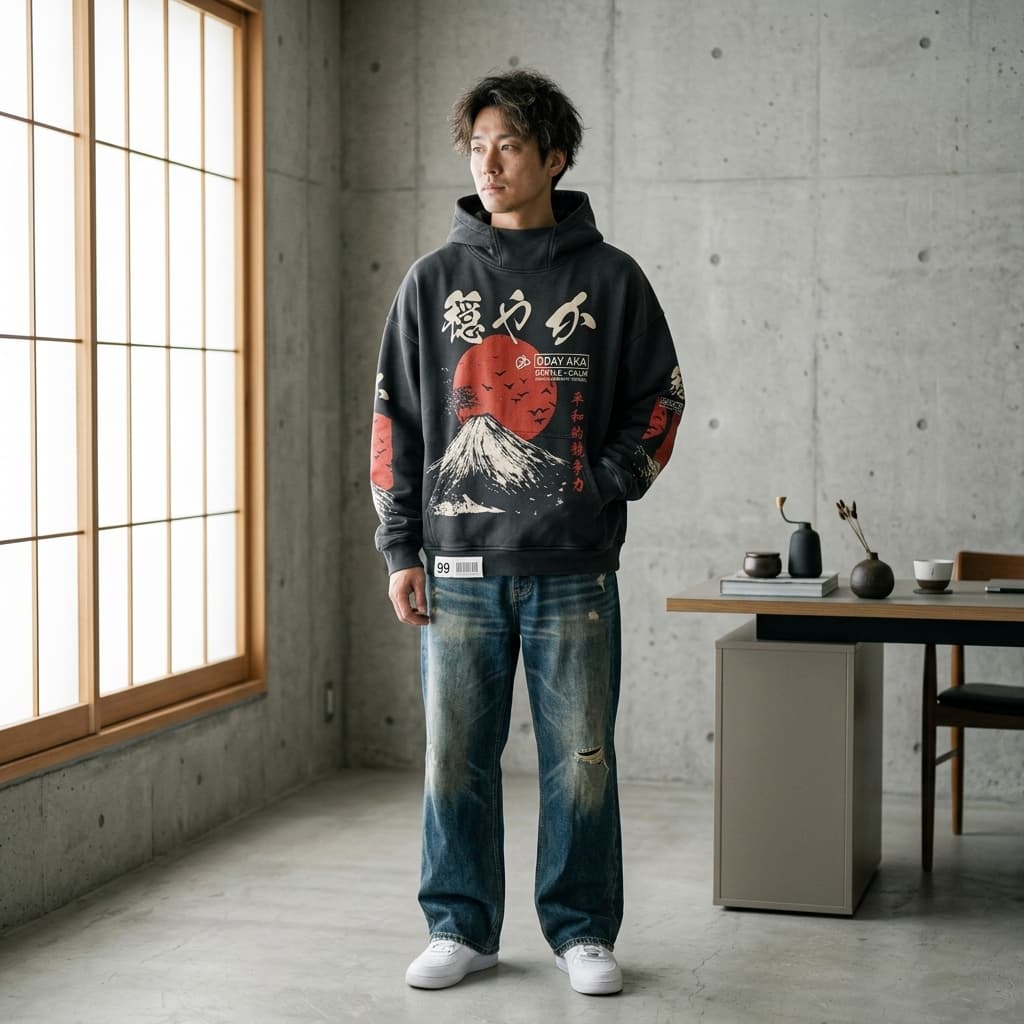
Scale Context
Demonstrate portion size or quantity using reference objects.
Portion size is the most common source of disappointment in food. Showing the product beside a familiar object sets the expectation before the order, not after it.
- Optional
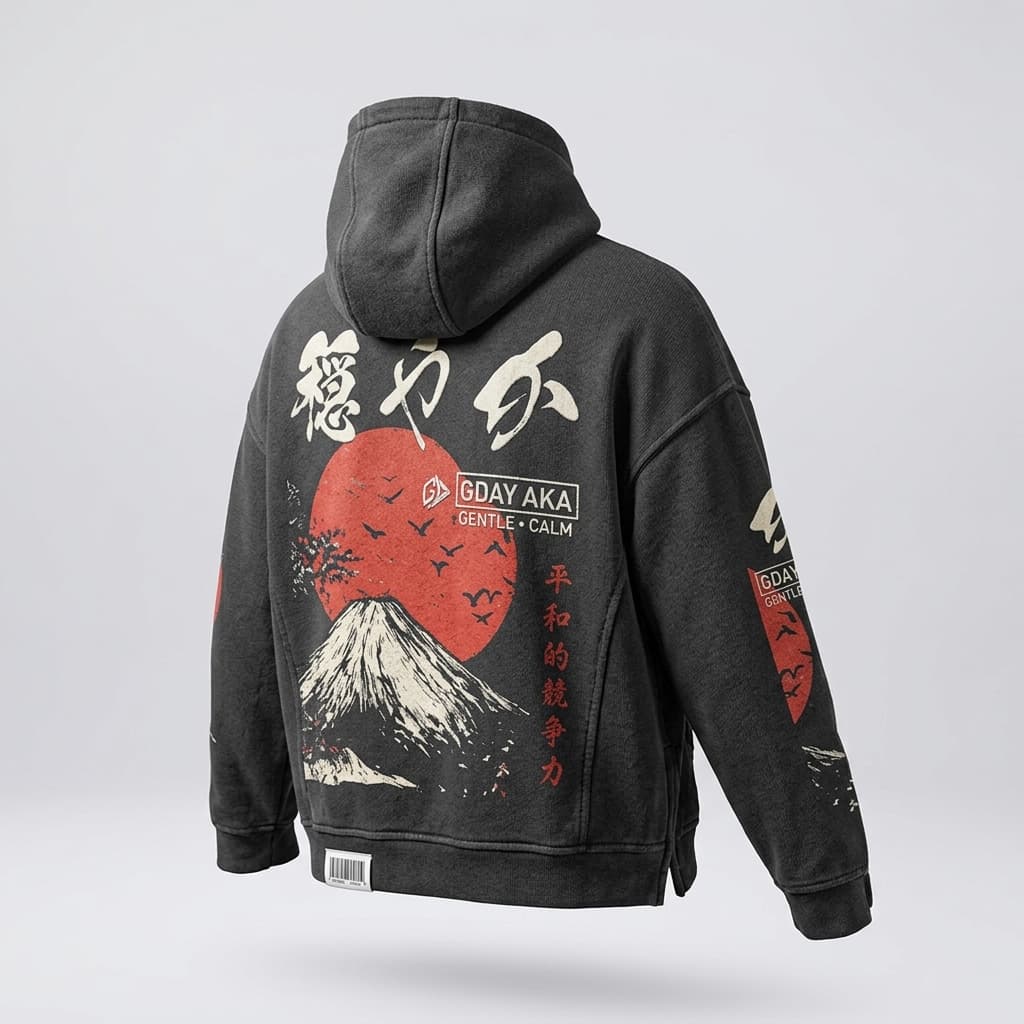
Visual Story
AI-generated video bringing the product to life across multiple angles.
A short clip does what a still cannot: it turns the product through several angles in one continuous take, so the shopper sees how it catches the light and how the parts relate. AdaptiveIQ generates this from your hero shot, so it costs nothing but a click.