How the sequence works.
Shoppers move through a listing in order, and each frame has a job to do before the next one matters. Here is what every shot in this template is for, and what it costs you to leave it out.
- Required
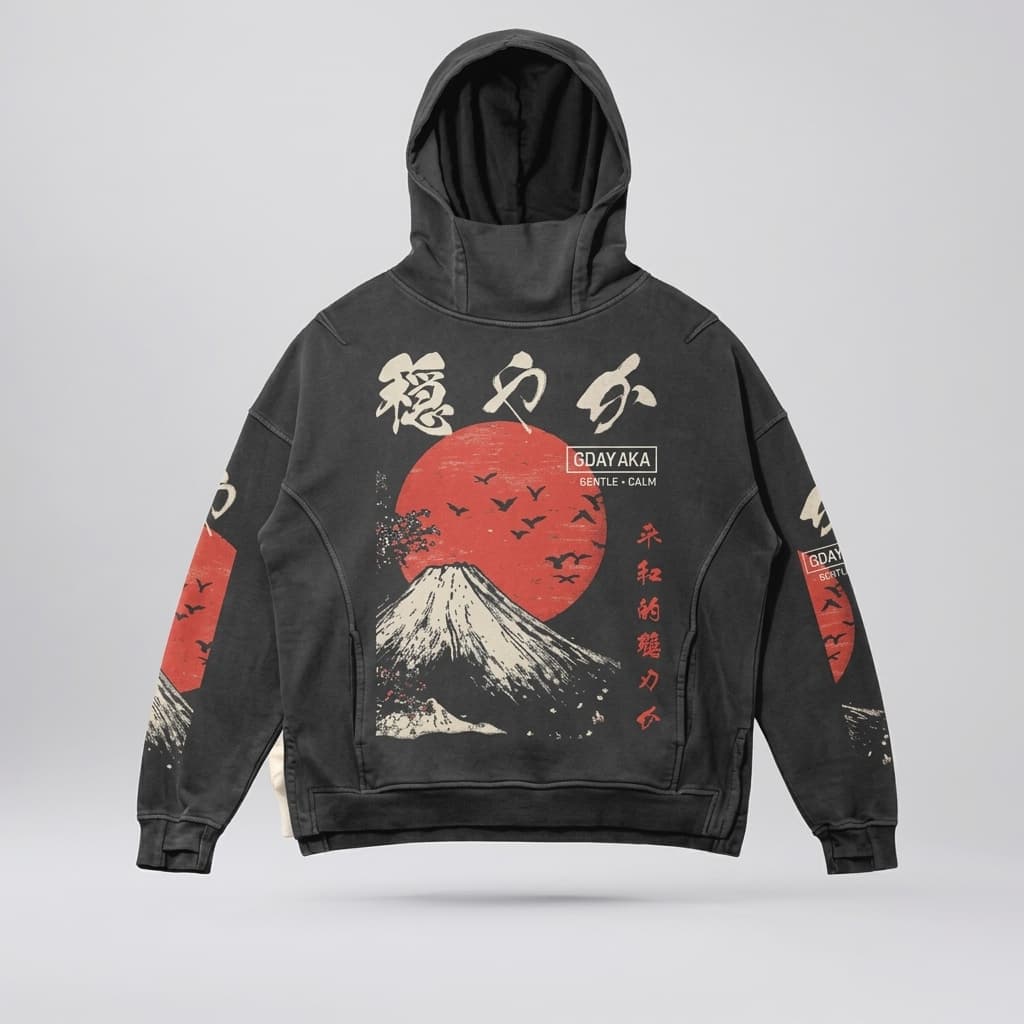
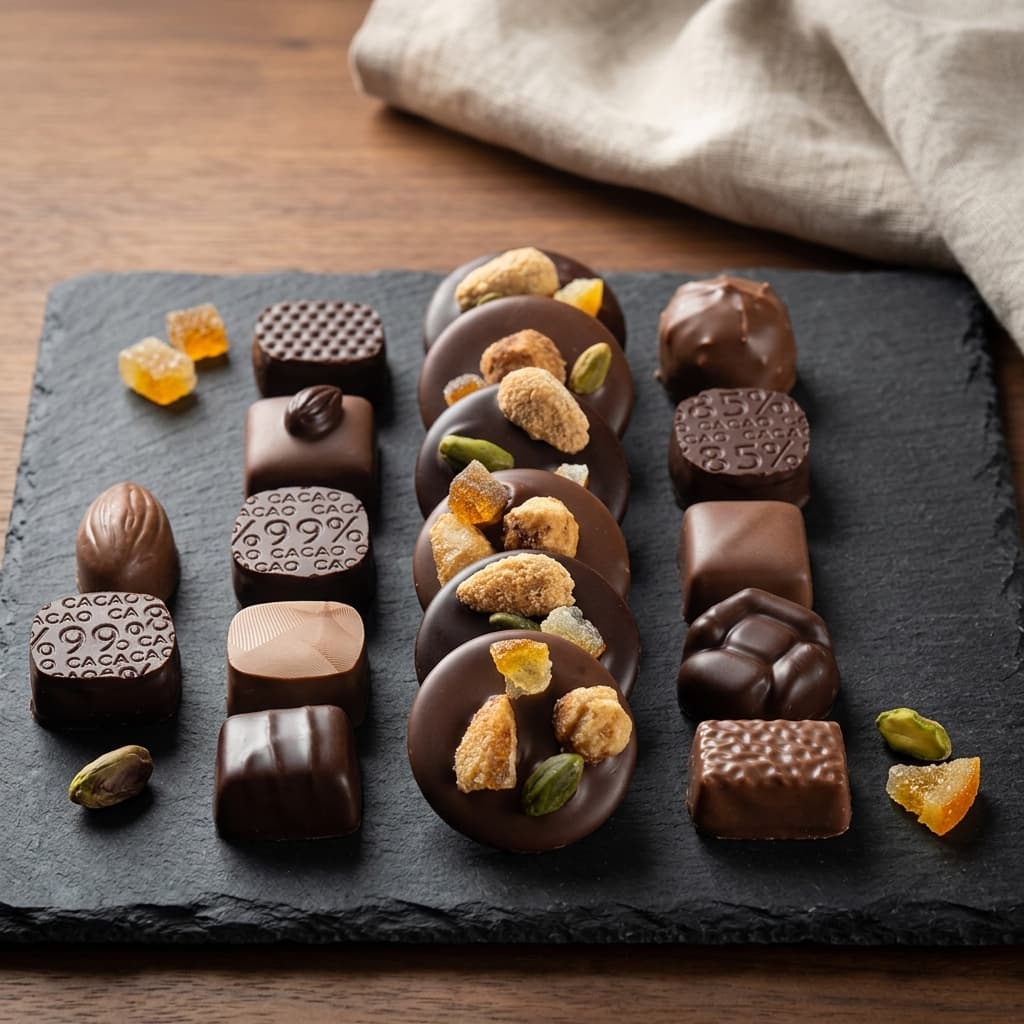
Hero Product Shot
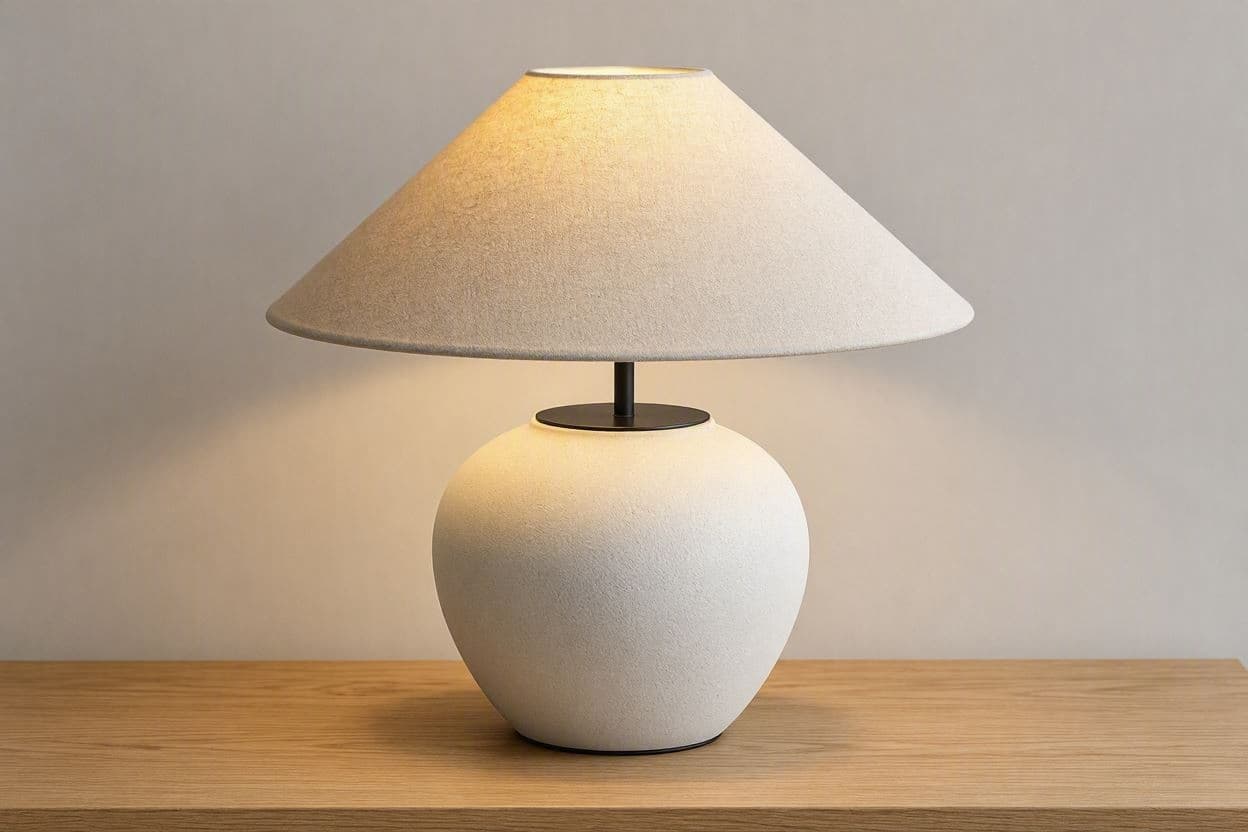
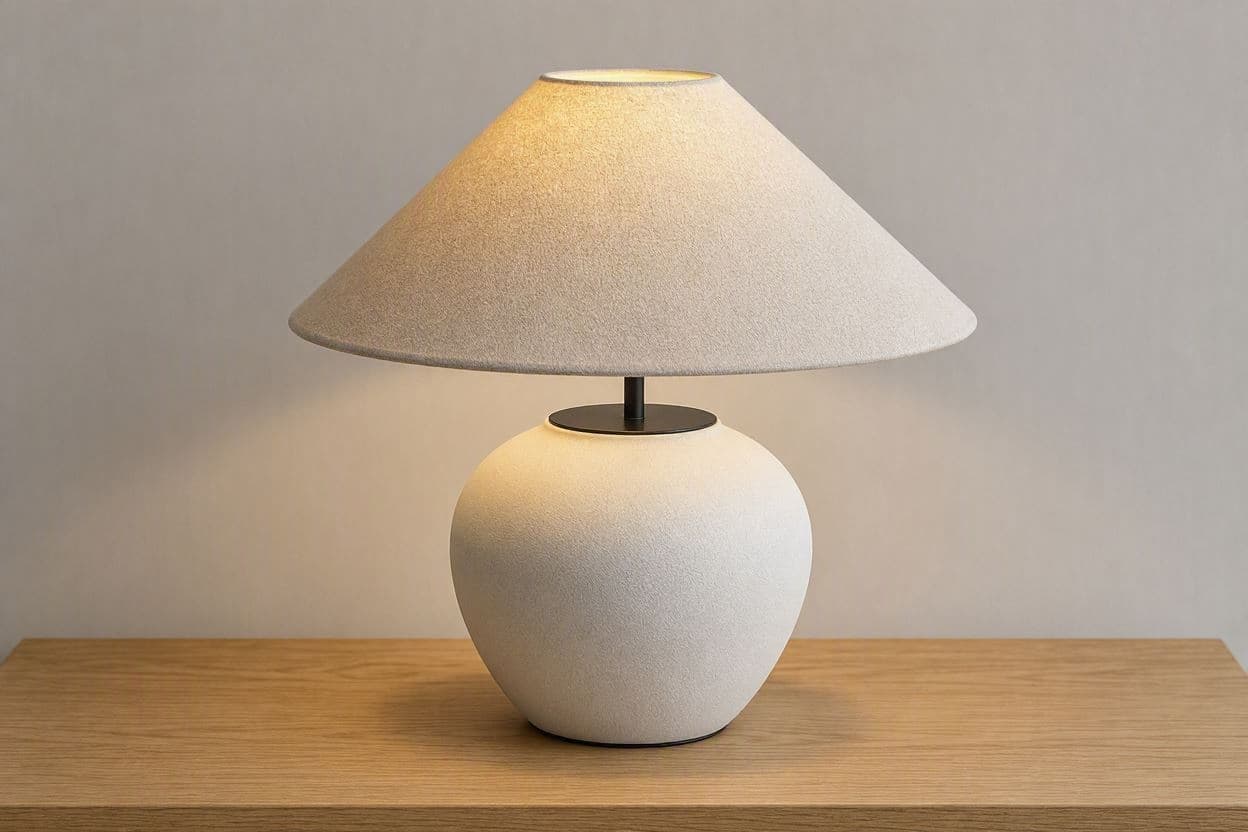
Isolated product shot on white or clean studio background.
An isolated studio frame gives a clean read of form and finish. It is also the image that has to work as a thumbnail in a crowded category grid.
 Required
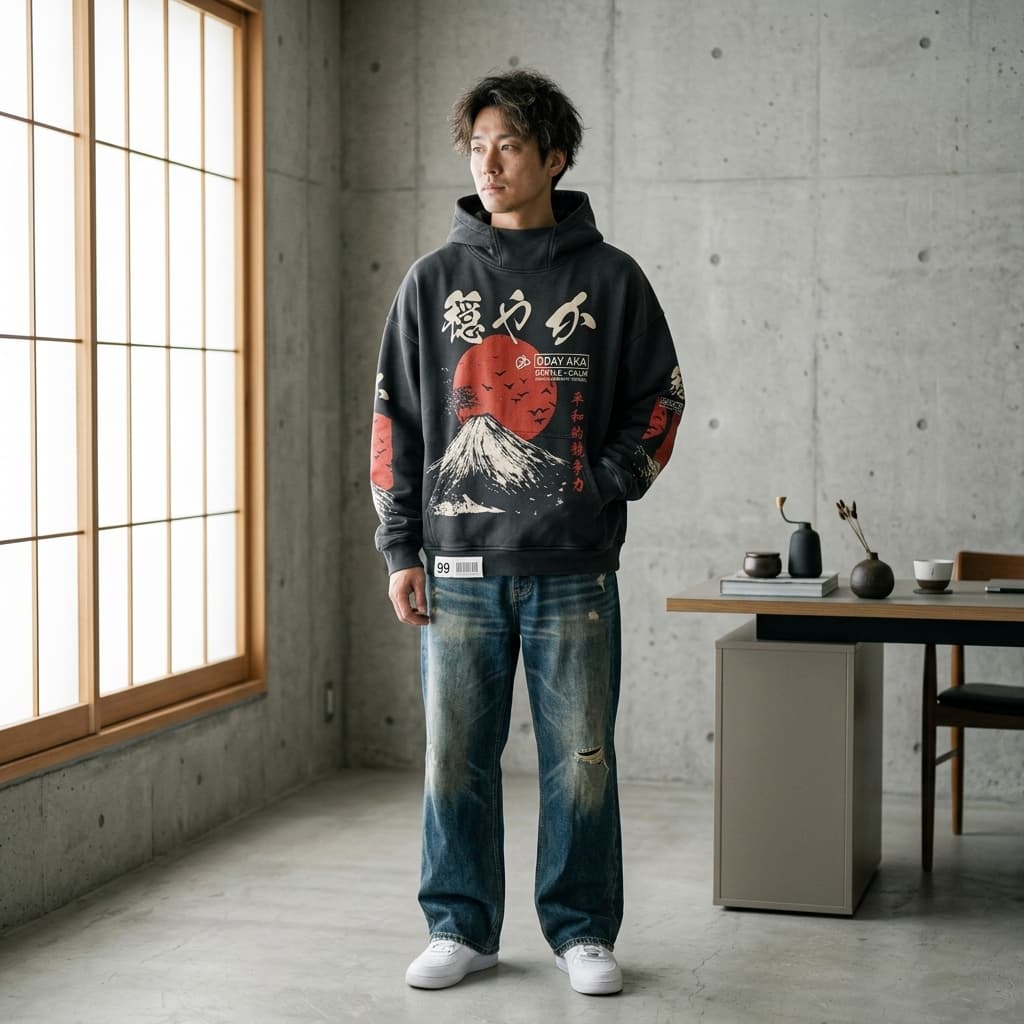
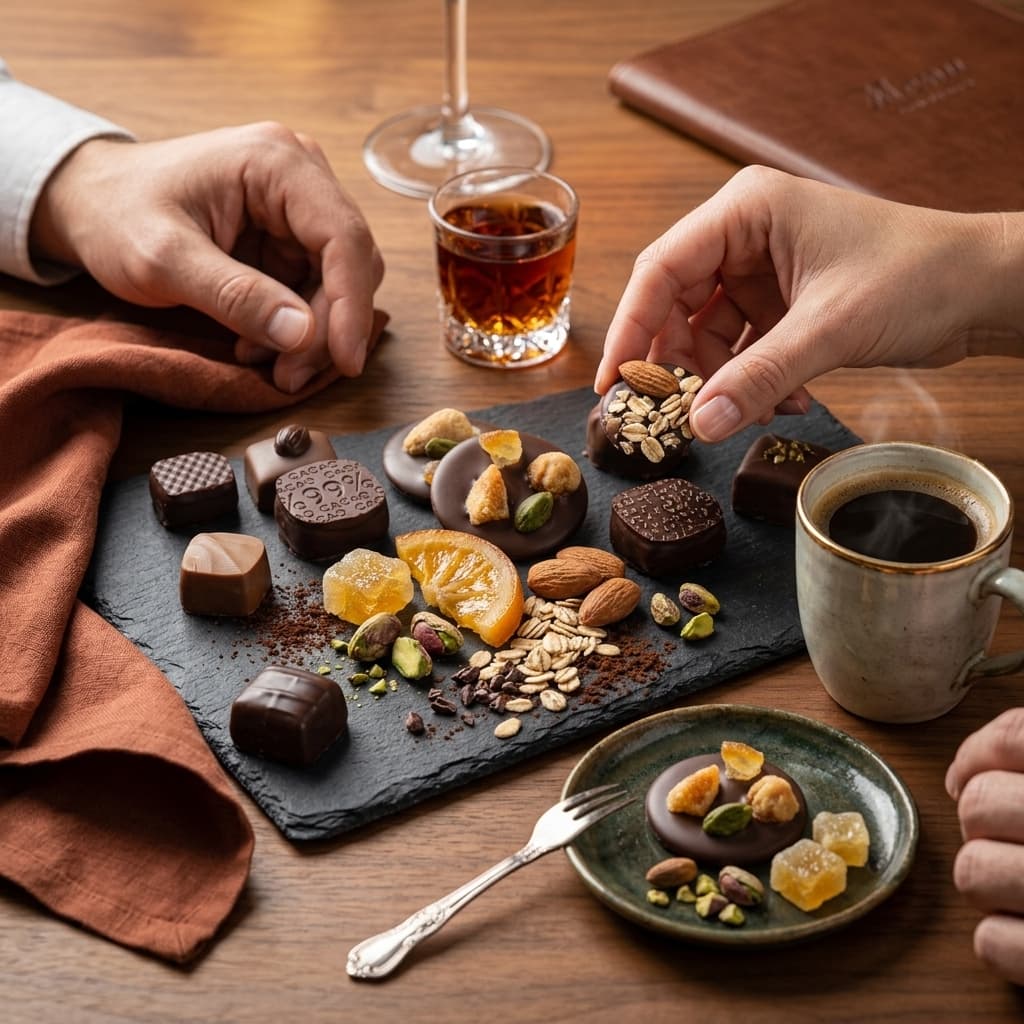
In-Room Context
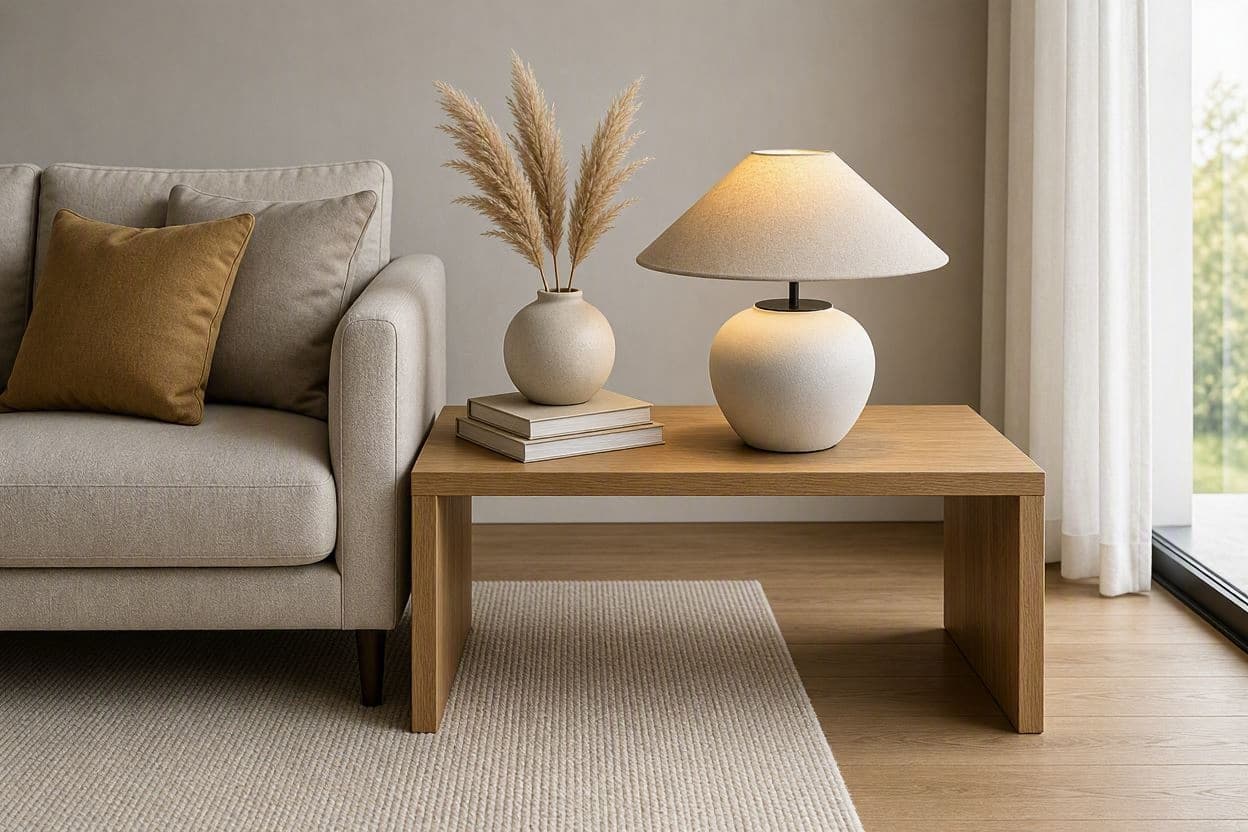
Product styled within a realistic room scene for spatial reference.
Furniture is judged against a room the shopper already owns. Styling the piece in a realistic setting lets them decide whether it belongs in theirs.
 Required
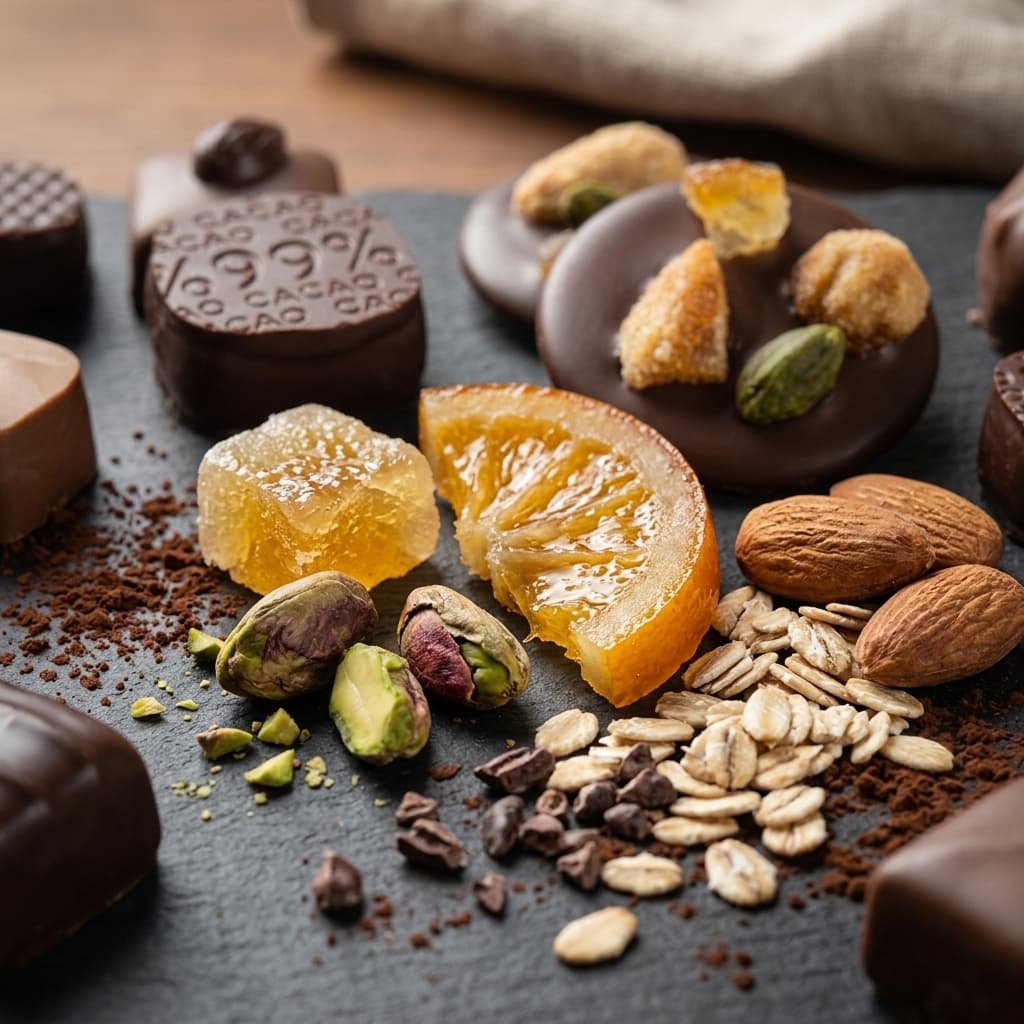
Material Close-Up
Zoom in on fabric, wood grain, finish, or texture quality.
Wood grain, weave and finish are what justify the price of home goods. A close frame makes quality legible where a wide shot flattens it.
 Optional
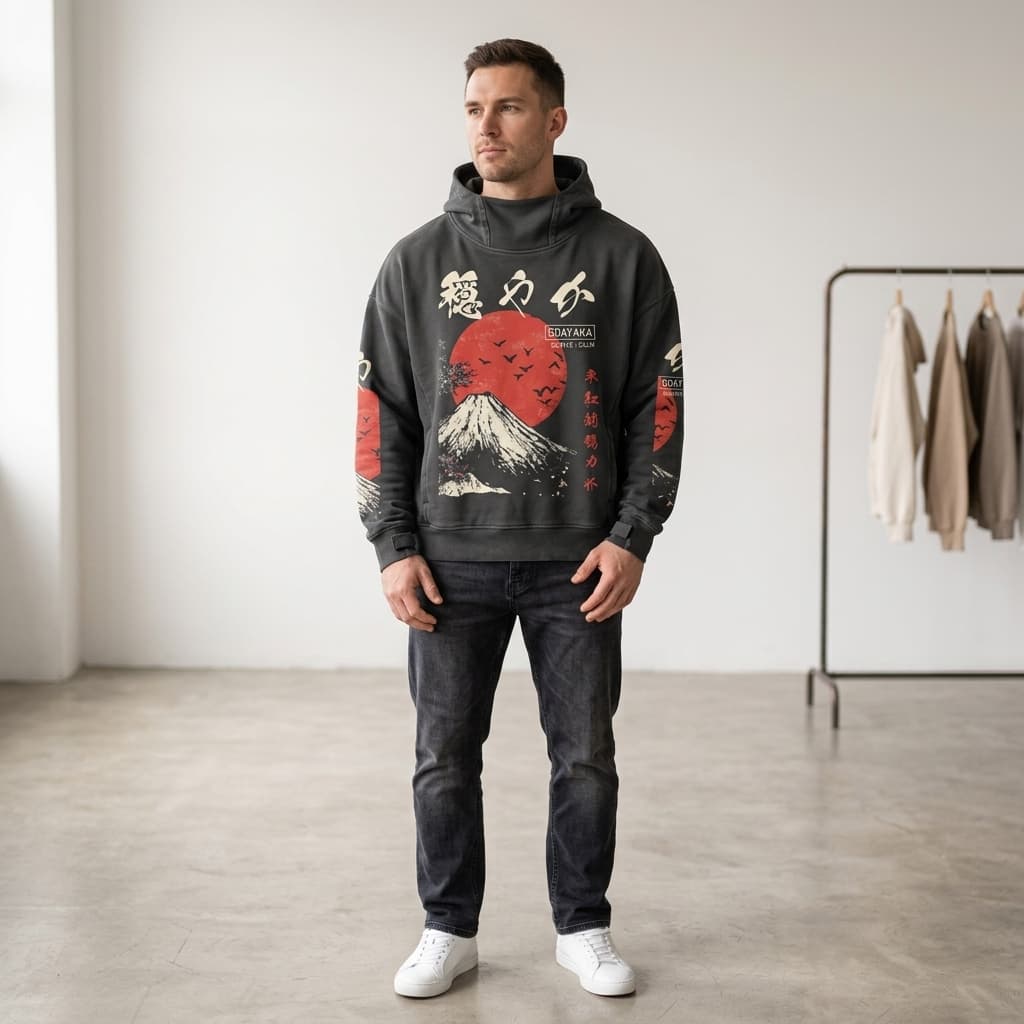
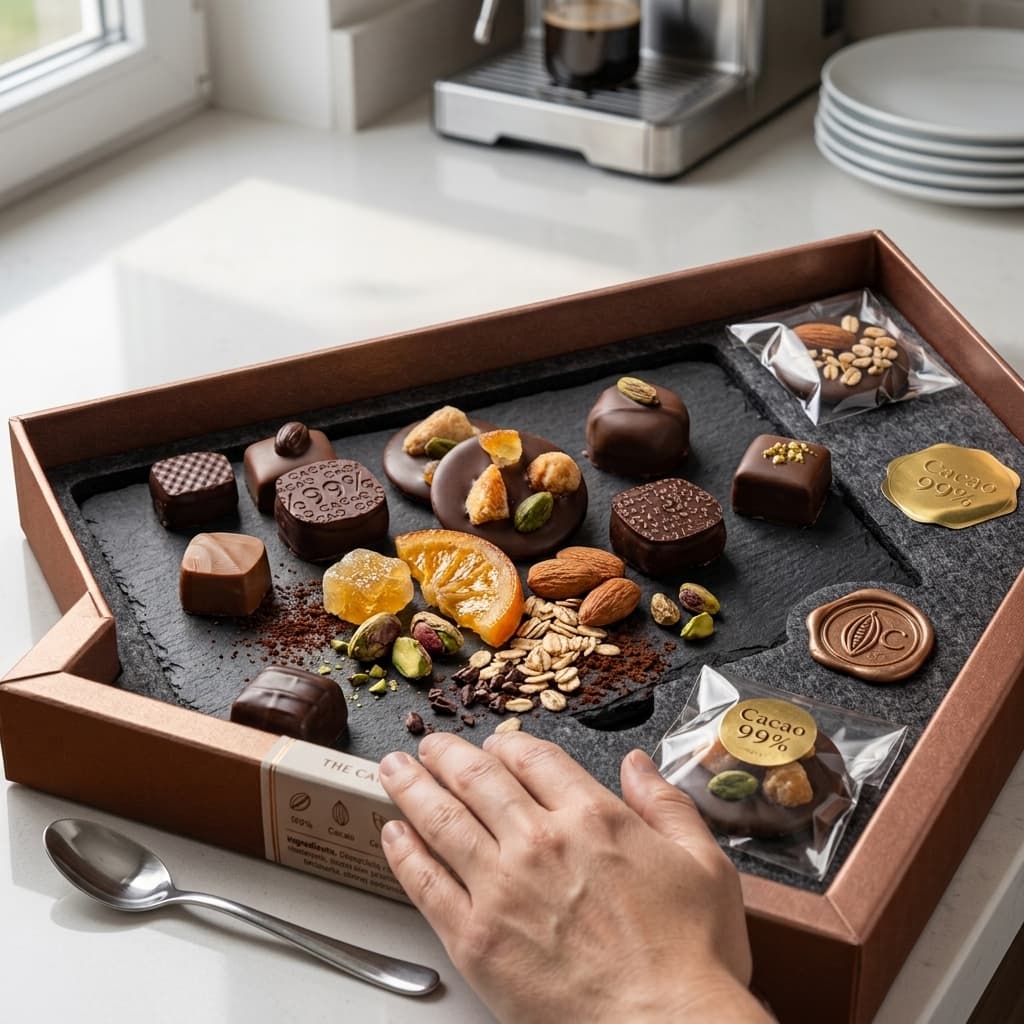
Scale Reference
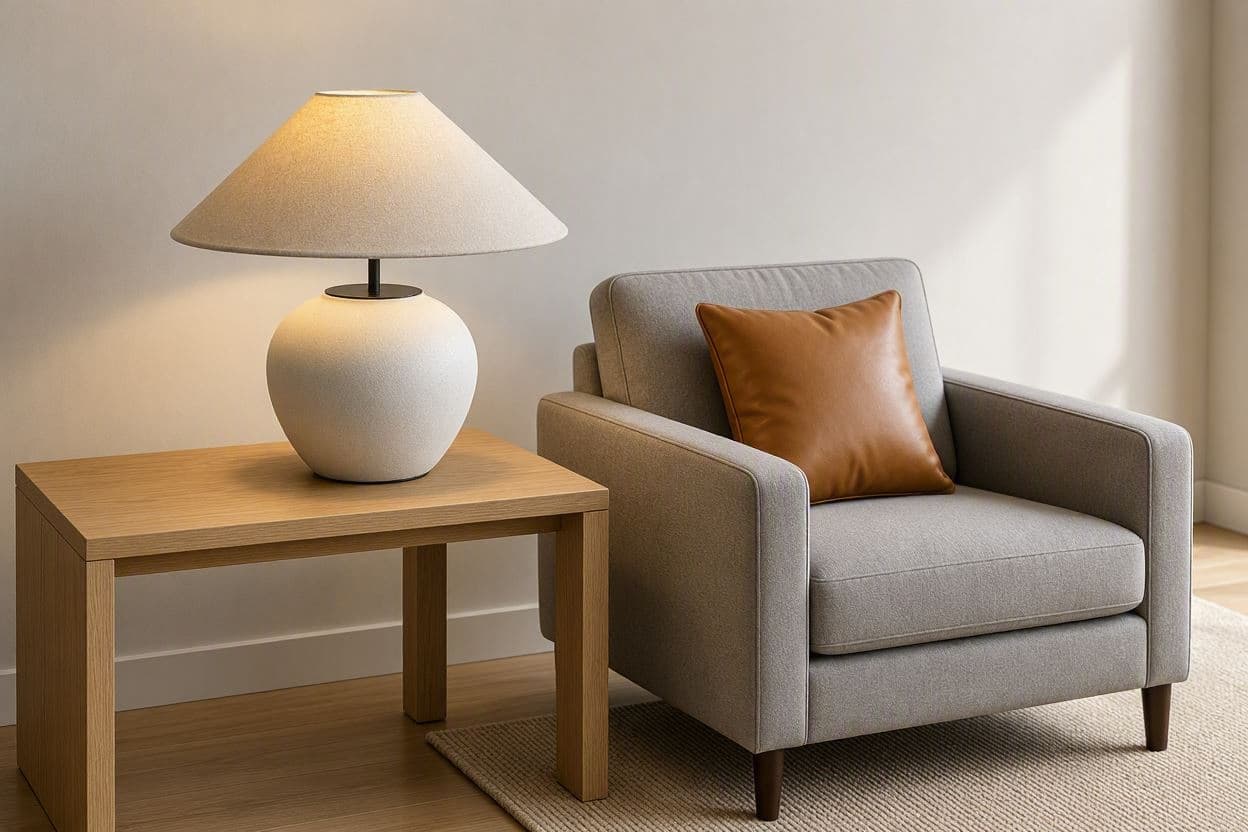
Show product dimensions using human figure or common objects.
Dimensions in a spec table rarely land. A human figure or a common object in frame turns centimetres into something the shopper can picture in their space.
 Optional
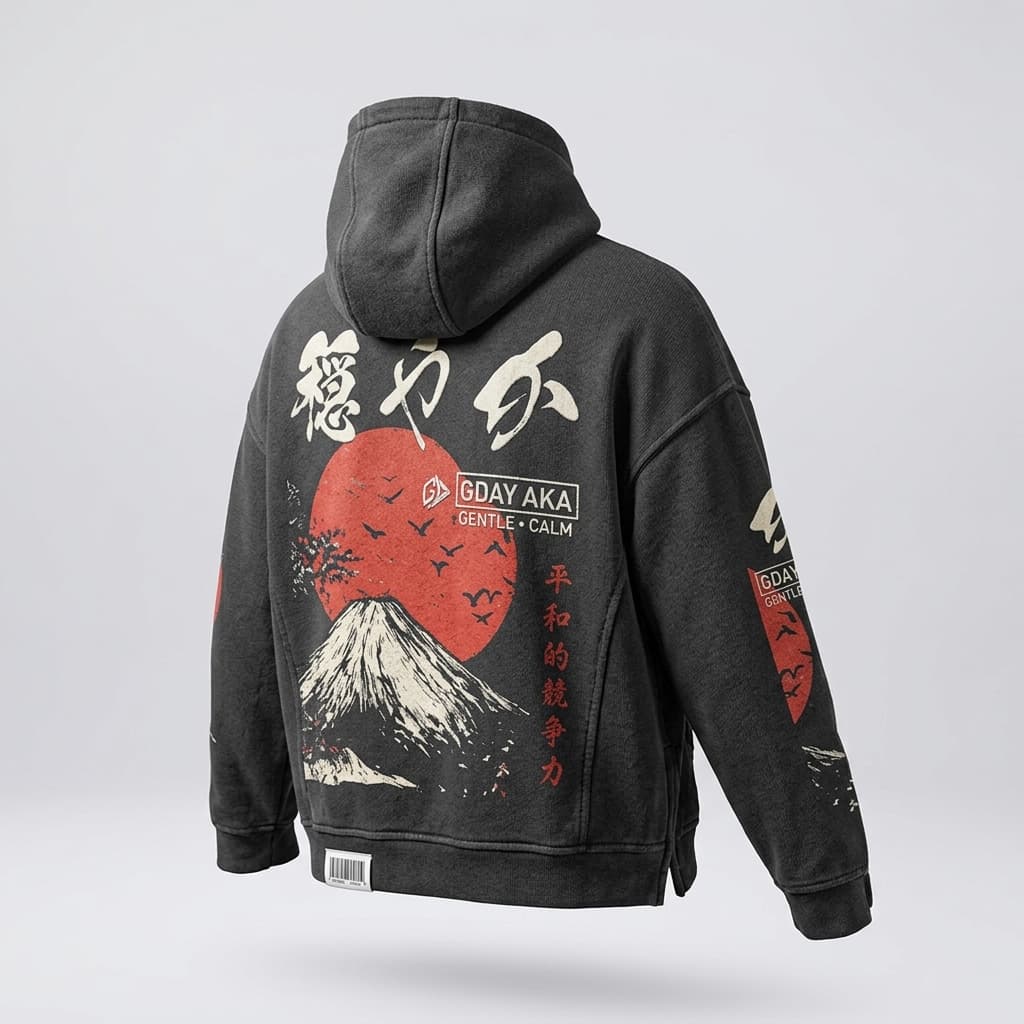
Alternate View
Top-down flat lay or alternate angle to show full form.
A top-down or reverse angle completes the form and shows the construction. For anything that sits in the middle of a room, every side is a front.
- Optional
Visual Story
AI-generated video bringing the product to life across multiple angles.
A short clip does what a still cannot: it turns the product through several angles in one continuous take, so the shopper sees how it catches the light and how the parts relate. AdaptiveIQ generates this from your hero shot, so it costs nothing but a click.