Baby & Kids
Designed for children's products with safety and age-appropriateness focus.
How the sequence works.
Shoppers move through a listing in order, and each frame has a job to do before the next one matters. Here is what every shot in this template is for, and what it costs you to leave it out.
- Required
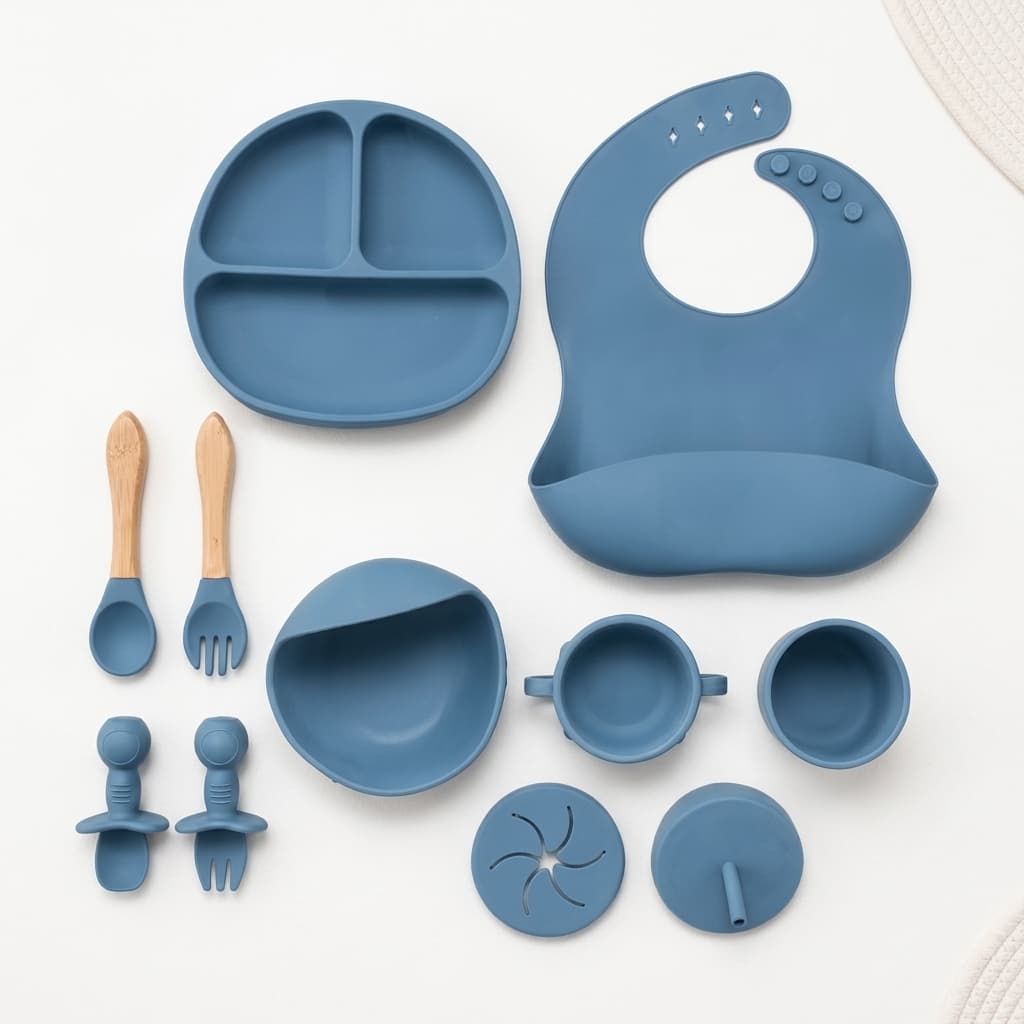
Hero Product Shot
Clean, bright product shot that emphasises safety and appeal for parents.
Parents scan for safety and quality before anything else. A bright, clean frame signals both, and reassures before the description is even read.
 Required
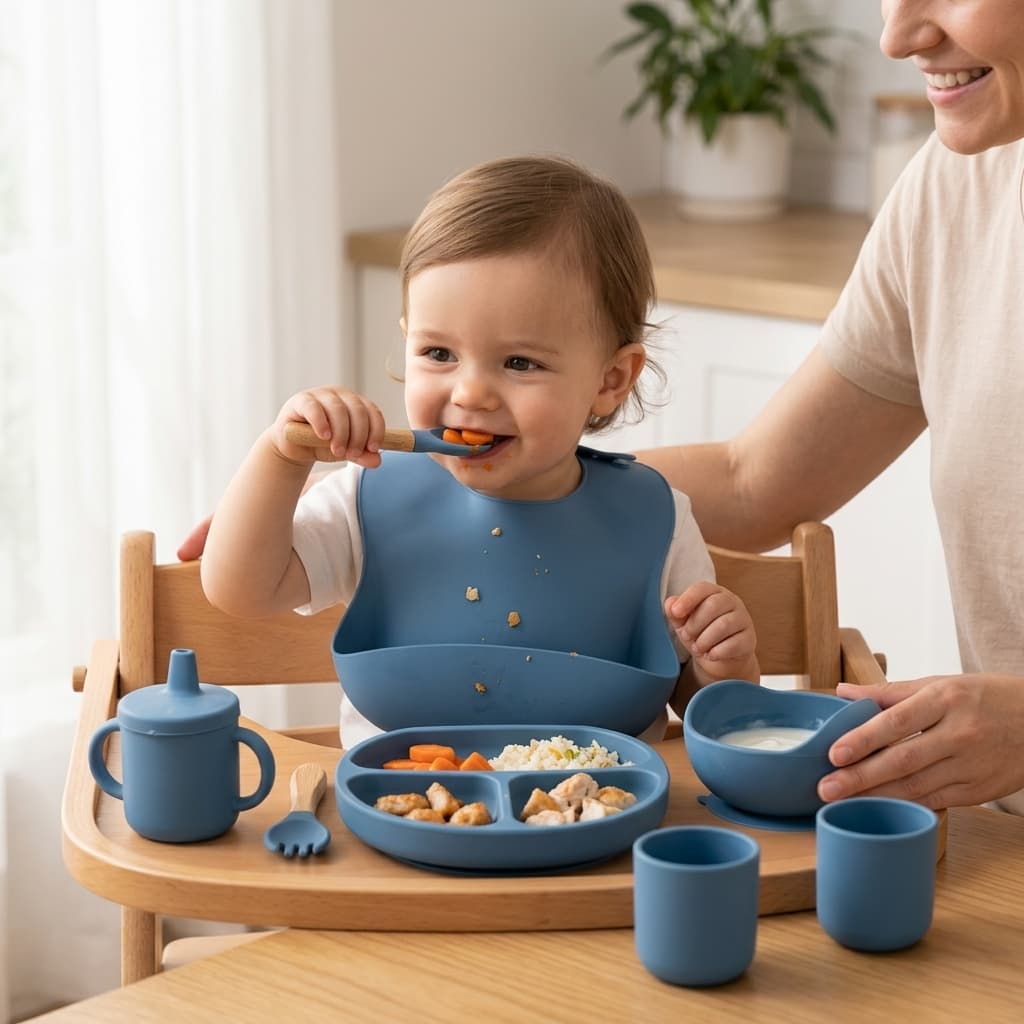
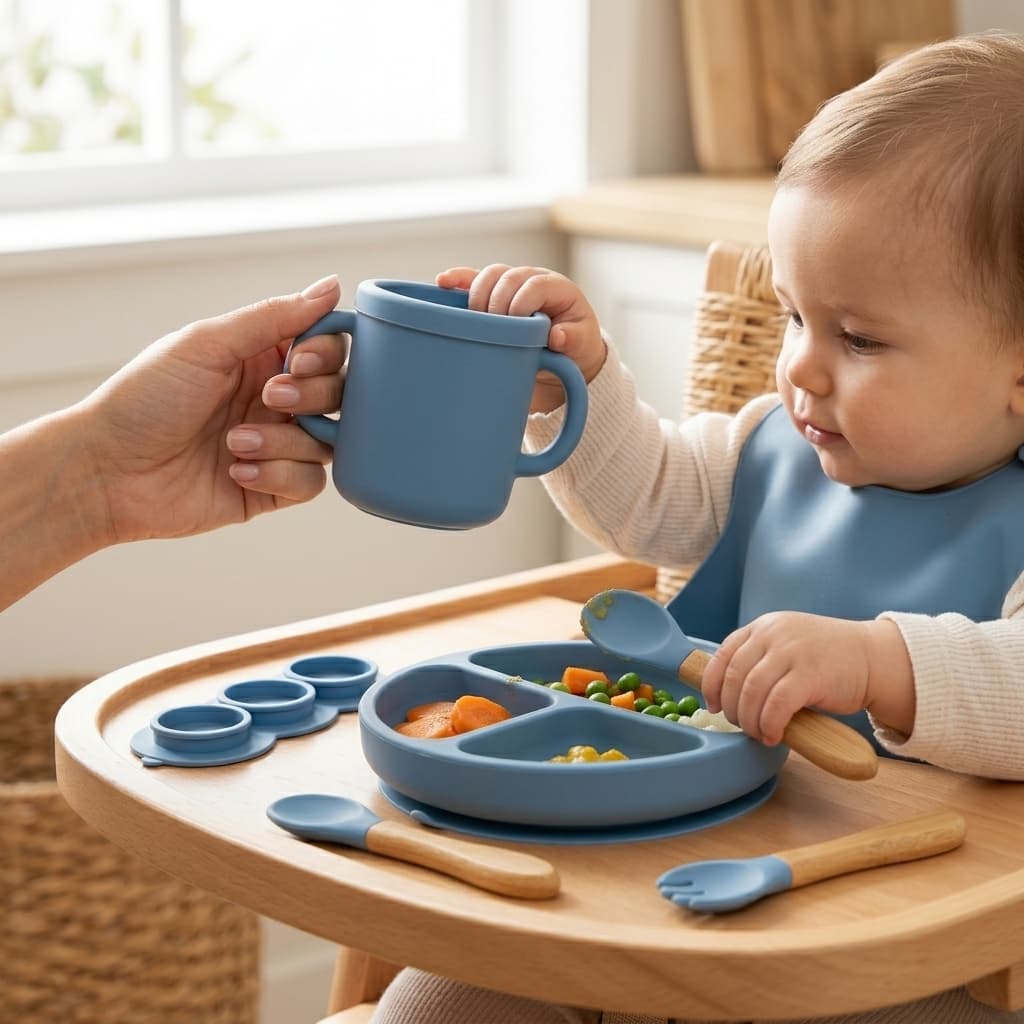
In-Use with Child
Product being used by or with a child to demonstrate scale and use case.
Seeing the product used by a child establishes age-appropriateness and real scale at once. It is the fastest way to answer “is this right for mine?”
 Required
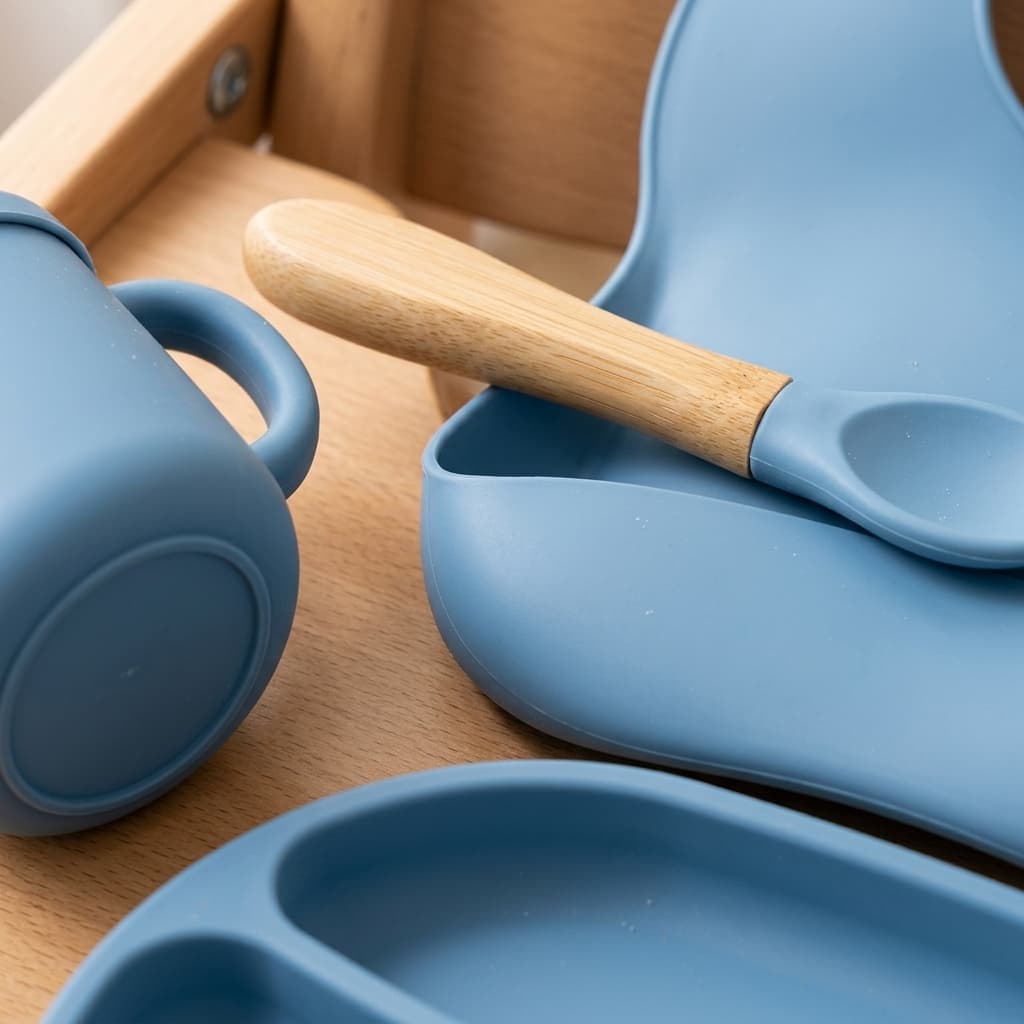
Safety / Material Detail
Close-up of materials, age labels, safety certifications.
Certifications, age grading and material labels are decisive in this category. Photographing them makes the claims checkable rather than asserted.
 Optional
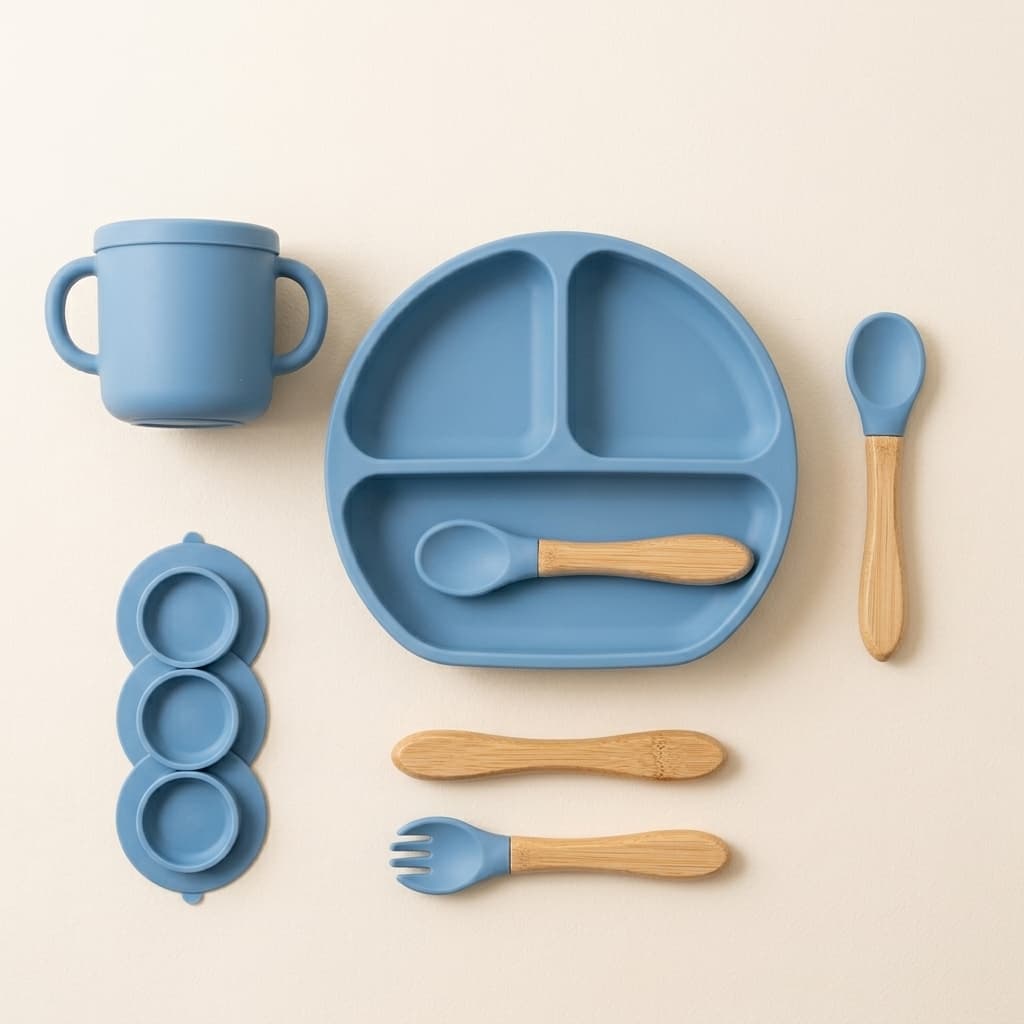
Flat Lay / Contents
Lay out all included pieces or accessories.
Parents want to know exactly what arrives in the box. Laying out every piece prevents the disappointment of assumed accessories that were never included.
 Optional
Scale Reference
Compare product size against a familiar object.
Nursery space is limited and sizing is hard to judge online. A familiar object in frame settles it before the order rather than after.
- Optional
Visual Story
AI-generated video bringing the product to life across multiple angles.
A short clip does what a still cannot: it turns the product through several angles in one continuous take, so the shopper sees how it catches the light and how the parts relate. AdaptiveIQ generates this from your hero shot, so it costs nothing but a click.